21
g. To adjust the pulse width at P 1014 / 1016, please select the square wave first and set the
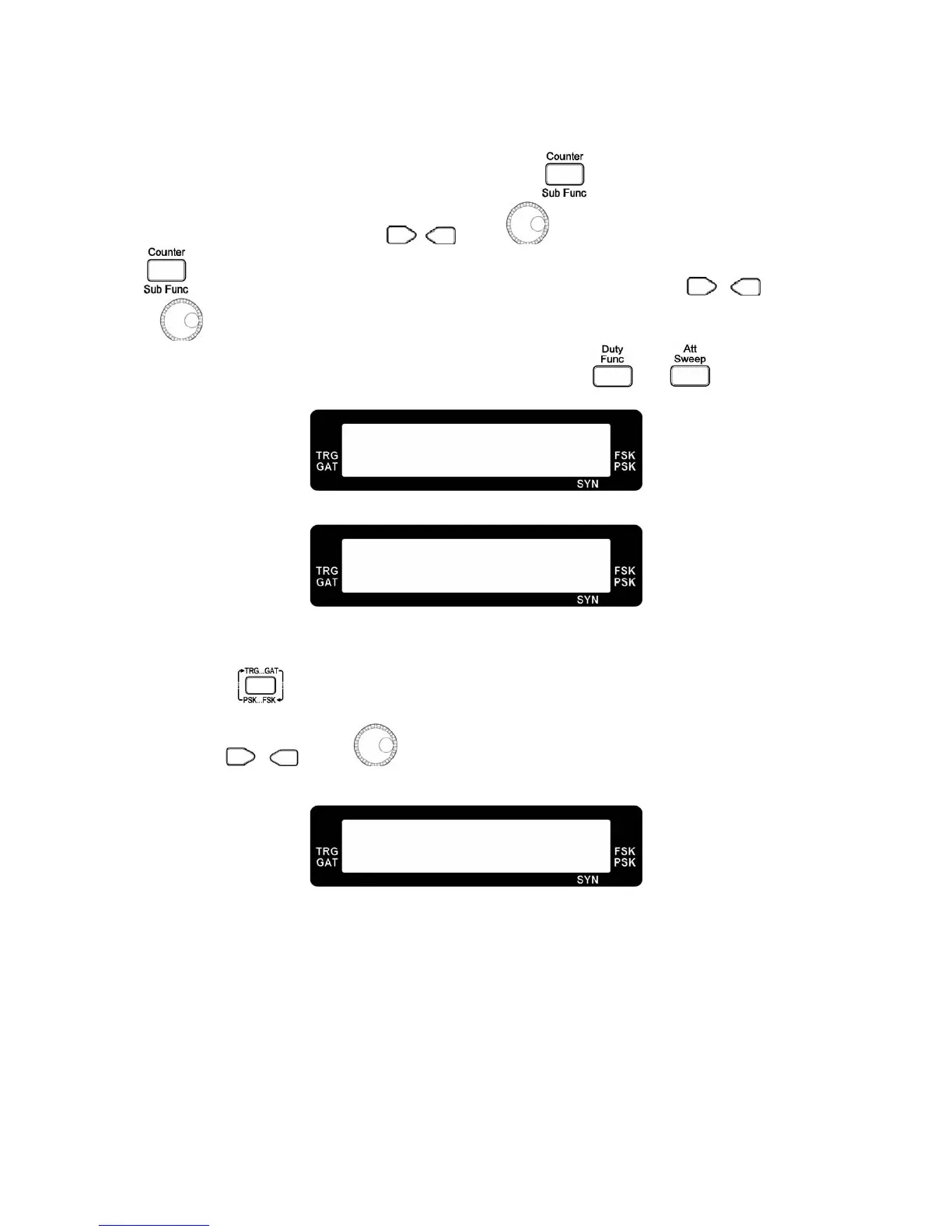
pulse width on in the sub function menu (SB4). Press the
key to select SB5 menu to set
the pulse width frequency. Use the
, key or to set the frequency. Then, press the
key the select SB6 menu for the pulse width duty setting. Also, use the , key
or
to set the duty.
h. To quickly enter the pulse width duty setting, please press the
and key
simultaneously.
Pulse Width Frequency Setting
Pulse Width Duty Setting
2.10 Trigger/Gate
a. Press the key to enter the trigger / gate selection menu.
b. Use the
, key or to select
external trigger, rotary push trigger, external
gate
and
rotary push gate
. The corresponding internal or external indicator will show up.
Trigger / Gate Off
P W H : 1 . 0 0 0 0 k H z
5 0 0 . 0 u S S B 5
D T Y : 5 0 . 0 %
5 0 0 . 0 u S S B 6
F R Q : 1 . 0 0 0 0 k H z
T R G O F F T M 2



 To Next Page