P1
Password type of protection
( active when PA is not equal 0)
0 = only display set point
1= display set point, AUX,
light access
2= access in programming
not permitted
3= access in second level
programming not
permitted
3
PA
Password
(see P1 for the type of protection)
0...999
0 = not active
0
reL
Software release
indicates software version
7
(Read only)
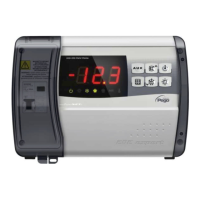
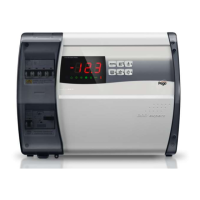
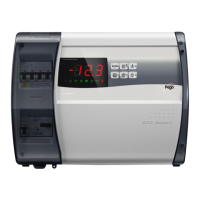
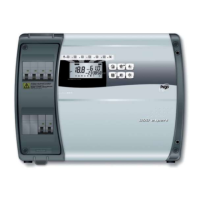
SWITCHING ON THE ECP200 EXPERT ELECTRONIC CONTROLLER
After wiring the electronic controller correctly, power up at 230 V AC; the display panel will
immediately emit a beep and all the LEDs will come on simultaneously for a few seconds.
COMPRESSOR ACTIVATION/DEACTIVATION CONDITIONS
The ECP200 EXPERT controller activates the compressor when cold room temperature
exceeds setting+differential (r0); it deactivates the compressor when cold room
temperature is lower than the setting.
MANUAL DEFROSTING
To defrost just press the dedicated key (see section 5.2) to activate the elements relay.
Defrosting will not take place if the end-of-defrost temperature setting (d2) is lower than
the temperature detected by the evaporator sensor. Defrosting ends when the end-of-
defrost temperature (d2) or maximum defrost time (d3) is reached.


 To Next Page