PELLENC BATTERY 250
56_158890-D
6. MAINTENANCE
6.1. TOOL MAINTENANCE TABLE
Maintenance task
At each
start-up
Every 4 hours Every week After use
Every year or
as necessary
Visual inspection of the general
condition of the battery (no
deformation or wear)
X
Visual inspection of the general
condition of the charger (no
deformation or wear)
X
Check of the tightness of the tool
power cord knob
X
Check the battery level. X
Cleaning the battery), see 6.2.
Cleaning the battery, page 20
X
Cleaning the battery), see 6.3.
Cleaning the charger, page 21
X
Battery check by a PELLENC
authorised distributor
X
Important
Have the battery serviced every 400 hours or at least once a year by a PELLENC authorised distributor. Always
store the charged and clean battery in a dry place.
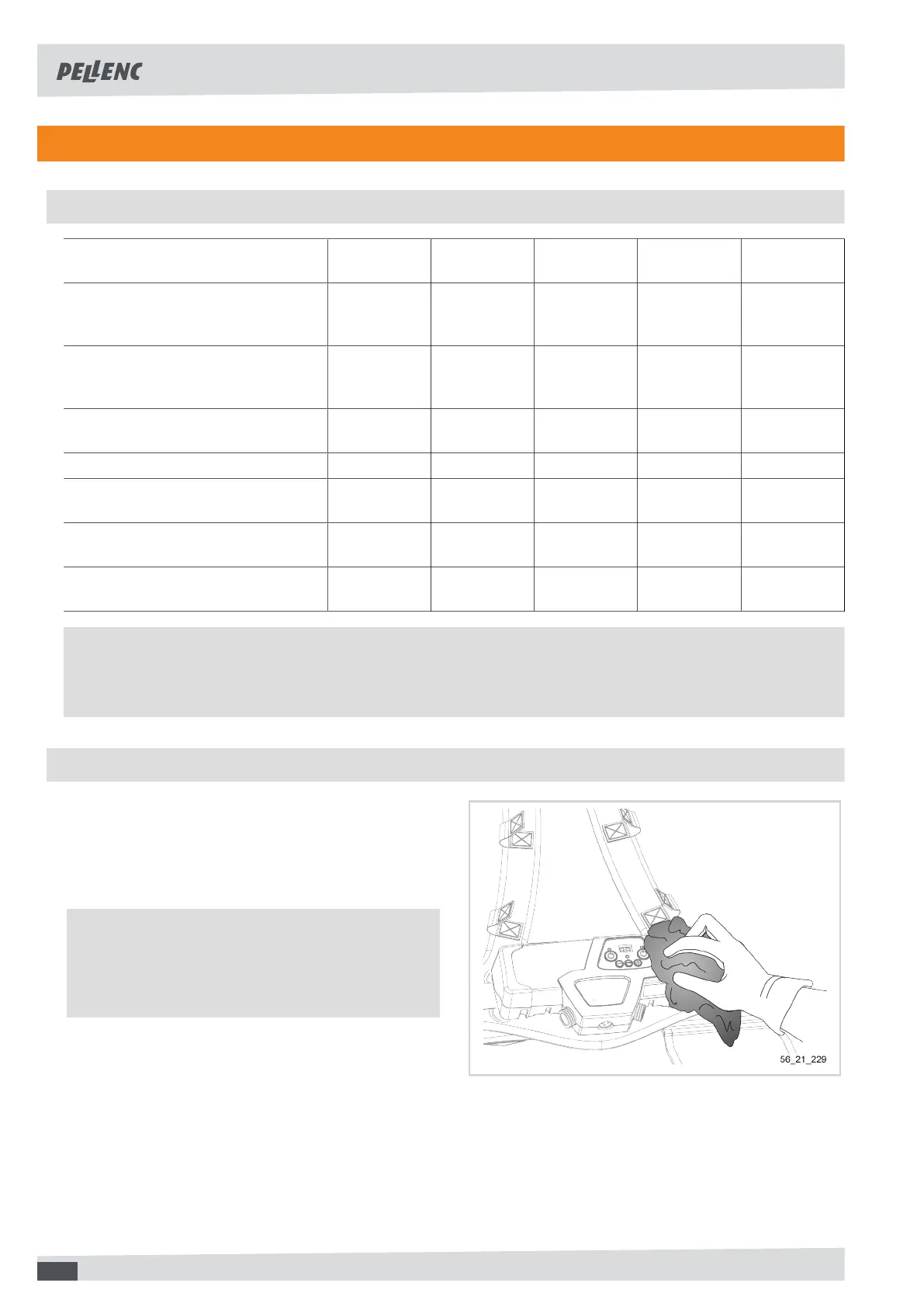
6.2. CLEANING THE BATTERY
1. Make sure the battery is switched off, see 4.2.
Switching the battery on and off, page 12.
2. Ensure that the battery is disconnected from the
charger and the tool.
3. Clean the battery casing with a soft damp cloth.
Important
Cleaning shall be carried out with water only and
without detergent, chlorine or sterilising solutions
with an alkaline reaction.
20



 To Next Page