EasyManua.ls Logo

pellenc 250 - Troubleshooting

Default Icon
36 pages
Print Icon
To Next Page IconTo Next Page
To Previous Page IconTo Previous Page
Loading...
PELLENC BATTERY 250
56_158890-D
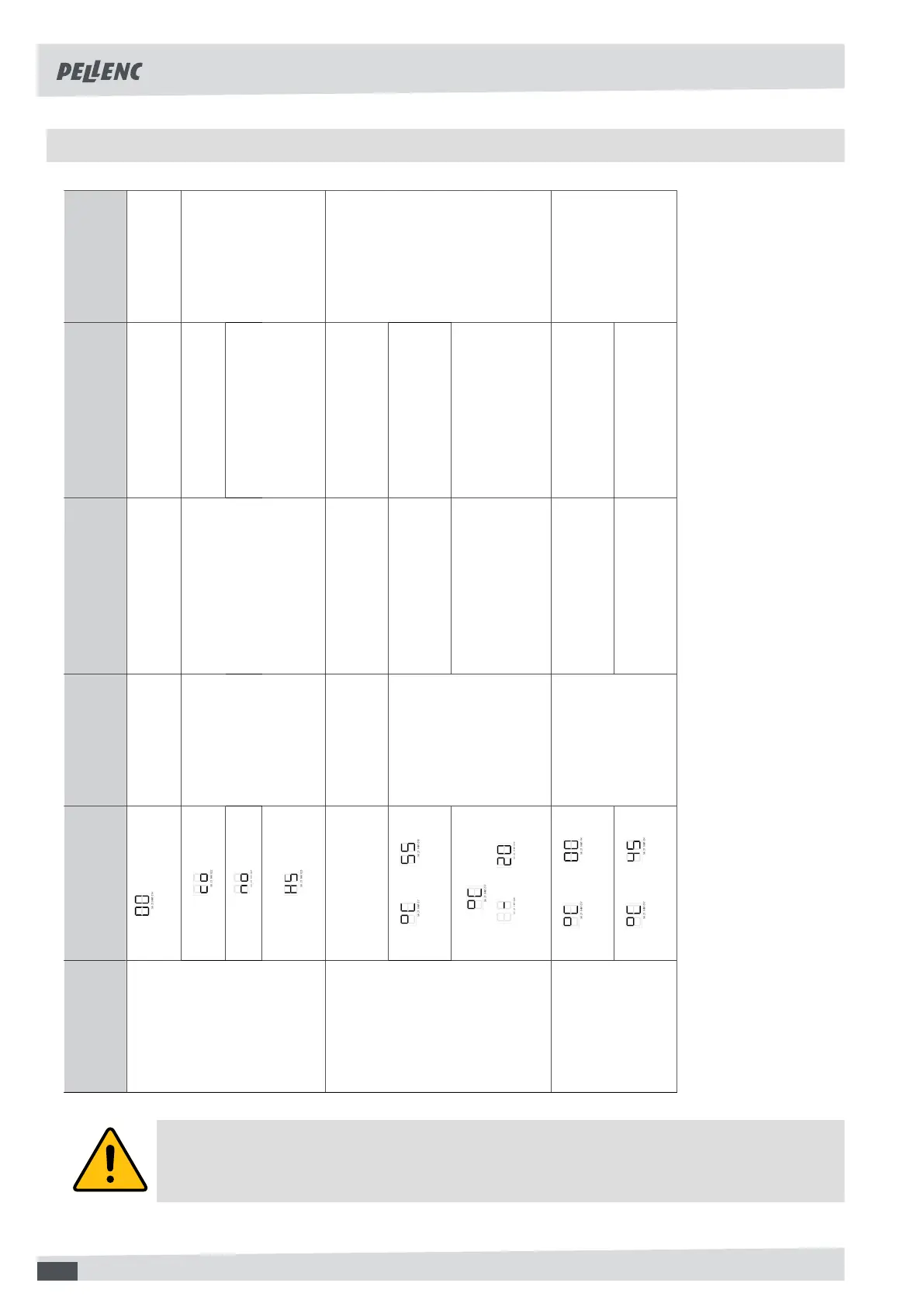
7.2. TROUBLESHOOTING
Symptoms Battery display
messages
and beeps
Probable cause Checks Solutions Repairer
with 1
beep per minute
Empty battery
Check that the battery
is not fully discharged
Charge the battery User
Configuring the
electronic board
The battery
does not start
Circuit board
At an authorised
PELLENC distributor
Change the electronic
board if the diodes
remain off after
starting and checking
the previous points
PELLENC
authorised
distributor
Long beep and
4 short beeps
The tool has
reached its
temperature limit
4 beeps from the battery
Let the tool cool down
for roughly 5 minutes
and
alternately
Battery temperature
too high
Let the battery
cool down for
about 5 minutes
The tool stops
during use
and
and
alternately
Battery
temperature
Battery temperature
too low
Use the battery within
the correct temperature
range, see 2.2. Safety
measures associated
with battery use , page 6
User
and
alternately
Battery temperature
too low
Use the battery
within the correct
temperature range
The battery
does not charge
and
alternately
Battery
temperature
Battery temperature
too high
Let the battery
cool down for
about 5 minutes
User
Caution
Never attempt to open or repair the battery pack or the charger
24