BRUSH CUTTER EXCELION 2 LH
53_154421-A
-
5.5.3.6. LANGUAGE SELECTION
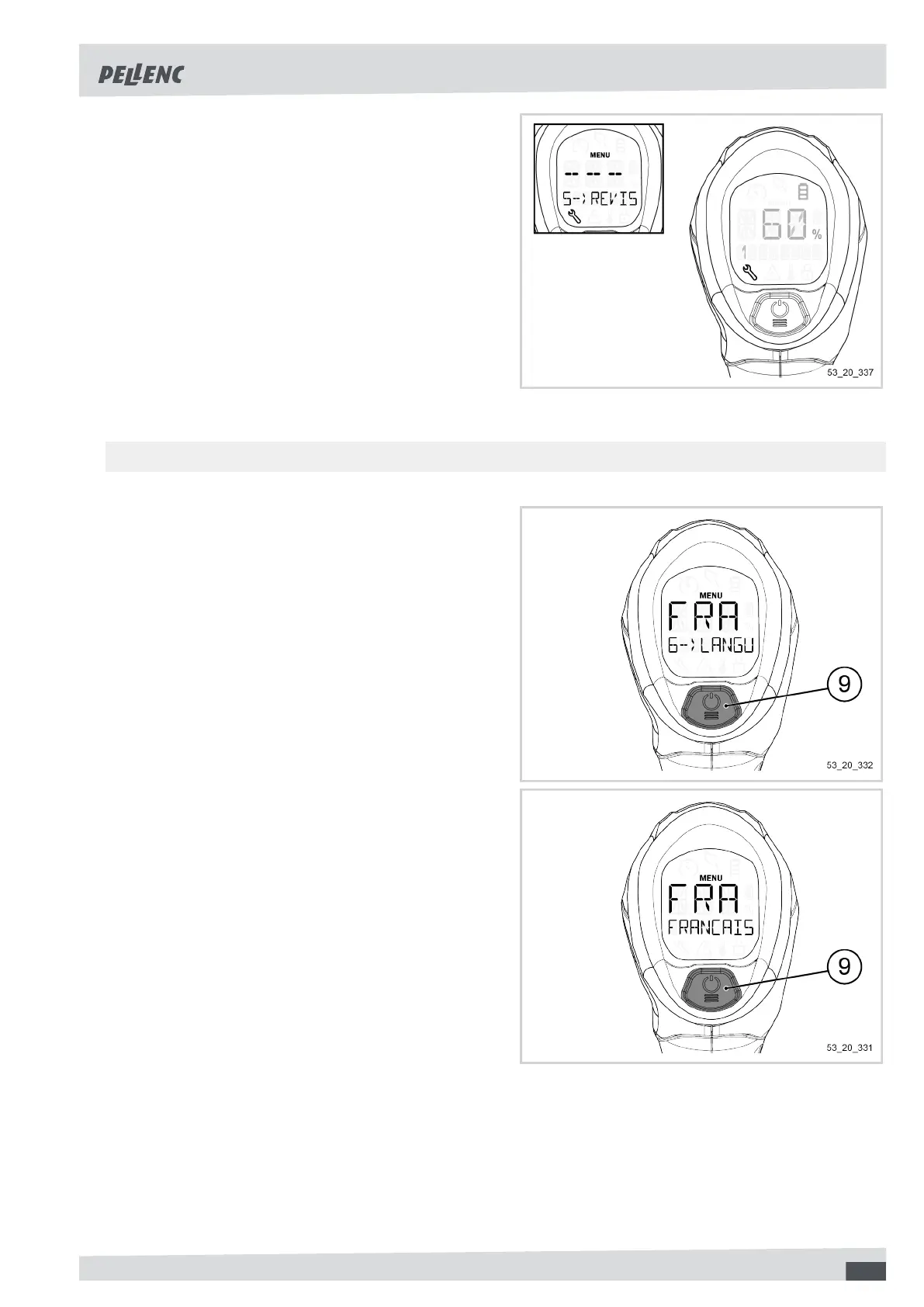
1. Click several times on the POWER/MENU button (9)
to access the "6--LANGUAGE" menu.
2. Click on the POWER / MENU button (9) for 1 second
to enter the tool's language menu.
3. Click several times on the POWER / MENU button
(9) so as to scroll through the different languages
available on the tool.
53



 To Next Page