28 29|
USING THE TREAD
USING THE TREAD
WARNING: Do not start the Tread before stepping onto the running surface.
Step onto the Tread from the rear, using handrails for balance. Avoid putting your
full weight on the handrails.
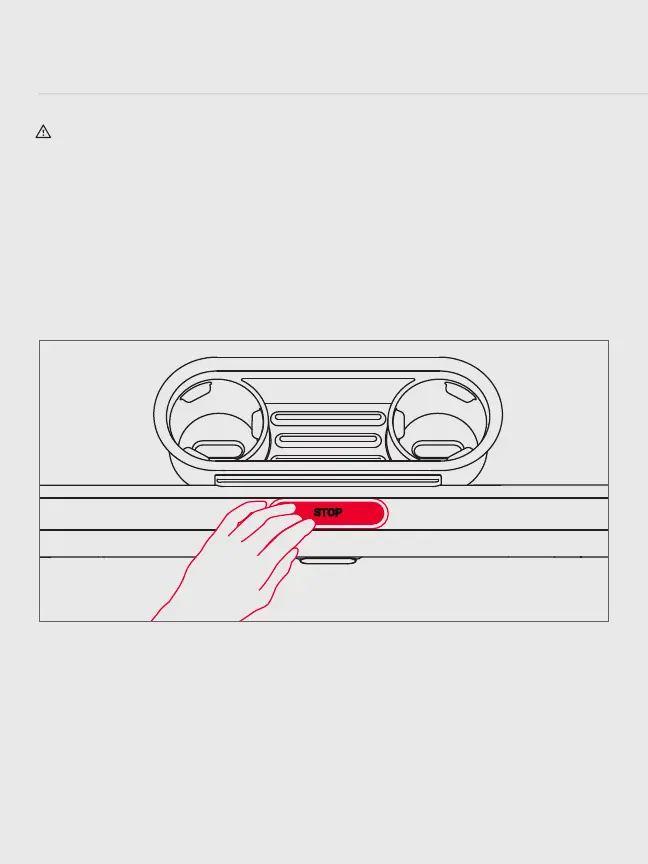
CENTER BUTTON
y When the running surface is in motion, press to stop.
y When the Tread is powered on, but inactive, press to wake.
y When the Tread is active, press and hold for three seconds to sleep.
SPEED
y Turn the speed knob forward to increase speed in increments of 0.1.
y Turn the knob backward to decrease speed in increments of 0.1.
y Press the jump button at the center of the knob to increase speed to the next
whole number.
y Tap Speed to change your speed using on-screen shortcuts. Tap the screen and select
Customize Shortcuts to put in your own shortcut speeds.



 To Next Page