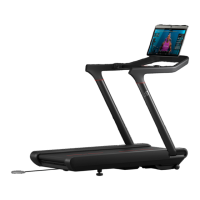
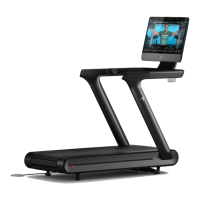
46 47|
ASSEMBLY
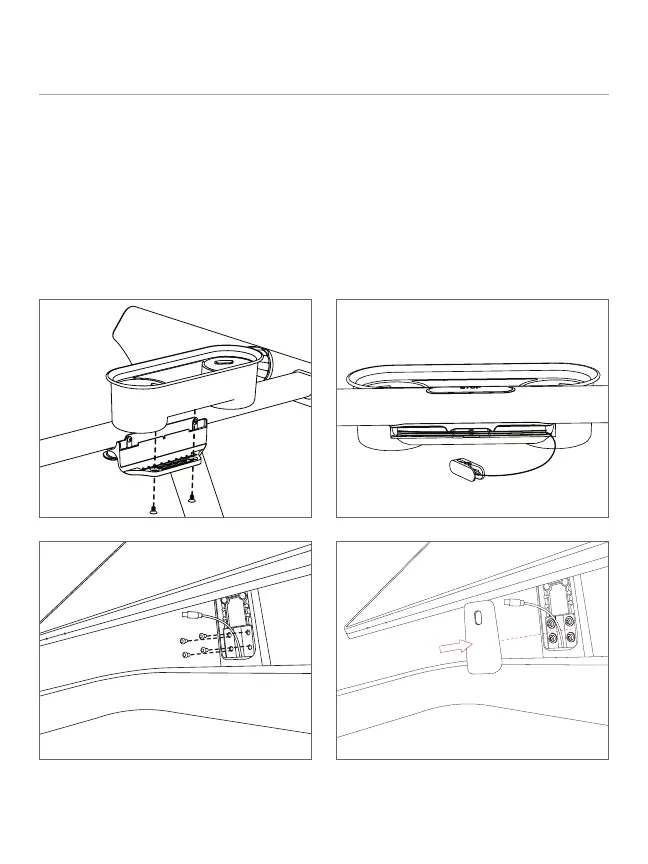
10 Attach tray.
11 Install Safety Key.
12 Add touchscreen, making sure the
cable does not get pinched. Torque
screws to 4.7 N-m. Replace neck cover.
13 Thread the USB-C cable through the
neck cover. The neck cover will hang
off the cable until it is installed later.
ASSEMBLY CONTINUED
10 11
1312
14 15
16 17
14 Tilt the touchscreen all the way back.
15 Pull on the red “Peloton” tag to remove
the fabric panel.
16 Route the USB-C cable through the
bottom cut-out and plug the cable into
the middle port. You will hear a click
when fully seated.
17 Place the bracket over the USB-C
connector, align the bracket pegs
into the holes on the back of the
touchscreen, and press in the bracket
to prevent it from falling off.



 To Next Page