77420 - 71/107 -
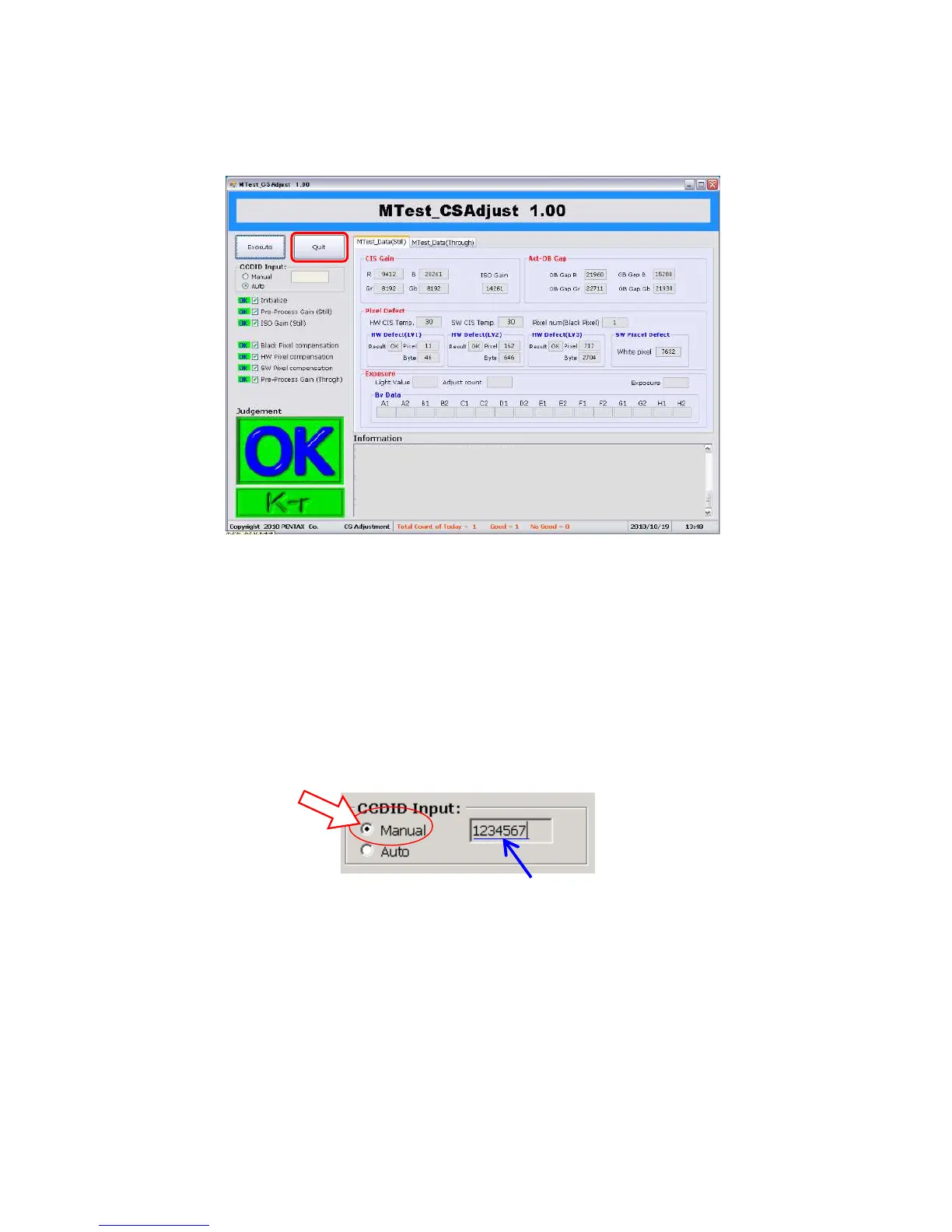
⑥When adjustment is completed, [OK] will be displayed.
⑦Click [Quit] button or [x] to finish adjusting software. (Adjustment time approx.3 minutes)
*If adjustment error is displayed, [NG] and error code will be displayed. Refer to [Table of error code].
*When starting adjustment, if ID error is displayed…
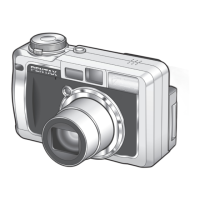
1) Select [Manual] on Serial-ID screen and Input correct CMOS ID number.
2) Click [START] to execute adjustment.
3) If still displaying error message even input correct ID number, contact PENTAX Global Service
Department and inform the ID number.


 To Next Page