38
Taking Pictures
Taking Movie Pictures (Movie Picture Mode)
This mode enables you to take moving images. The maximum
length of one motion picture is 30 seconds.
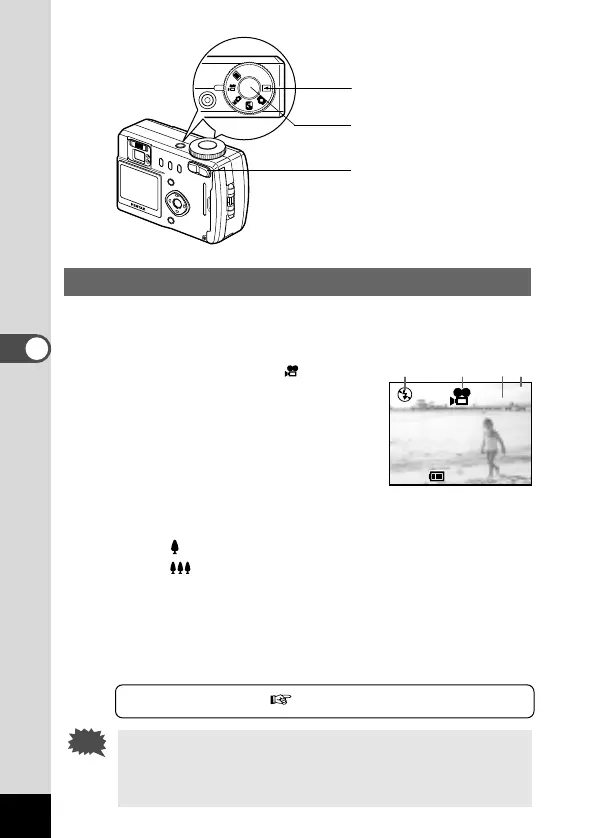
z Set the mode dial to .
The following information will be dis-
played on the LCD monitor.
q Flash Off
w Movie Picture mode
e Remaining shooting time
r Remaining number of sets
x Press the shutter release button.
Shooting will start.
You can change the size of the image using the Zoom button.
makes the image bigger
makes the image smaller
c Press the shutter release button.
Shooting will end.
● Keeping the shutter release button pressed
If you keep the shutter release button pressed for more than one
second, shooting will start, and will stop when the button is released.
Playing Back Images p.53
• The flash will not fire in Movie Picture mode.
• Continuous shooting is not possible in Movie Picture mode.
• The LCD monitor cannot be turned off in Movie Picture
mode.













 To Next Page