79
Settings
Sounding the Alarm at a Set Time
You can sound the alarm at a specified time and display a selected image.
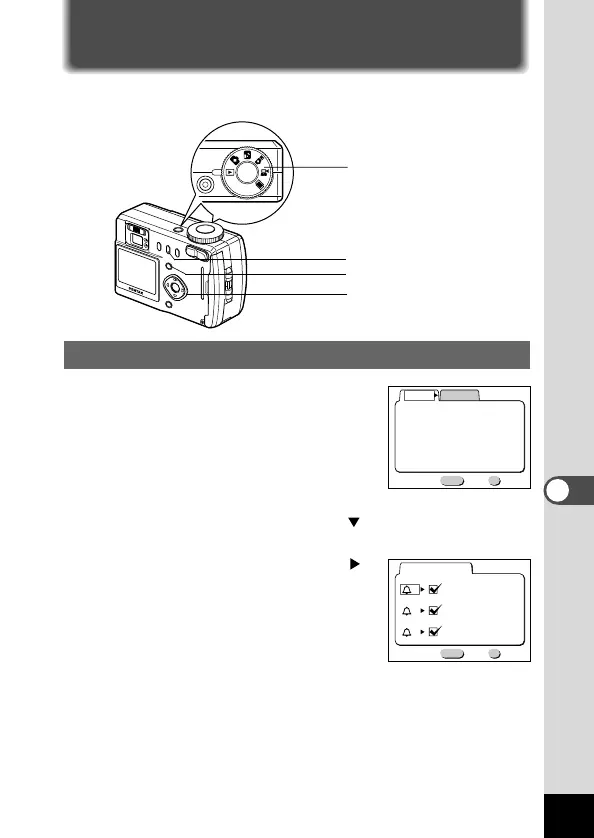
Checking the Alarm
z
Press the Menu button in Play
mode.
The [Playback] menu will be dis-
played.
x Press the four-way controller ( ) twice and select
[Alarm].
c Press the four-way controller ( ).
The alarm list will be displayed.
The alarms that are enabled will be
indicated by a tick.
v Press the OK button twice.
If any alarms are enabled, the cam-
era will be turned off and the alarms
will be set.













 To Next Page