45
Taking Pictures
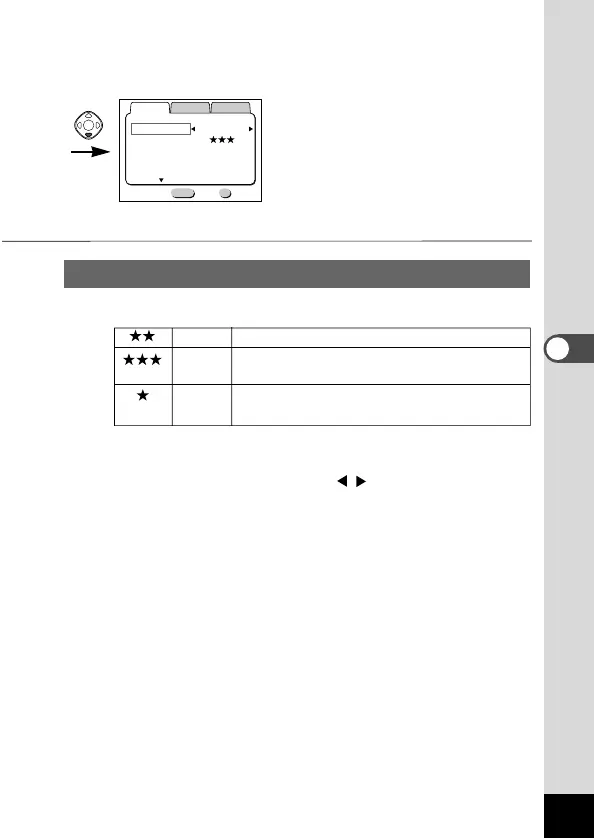
Selecting the Quality Levels
You can choose the image compression rate.
Better Standard level
Best The quality is good and there is a high volume of
image data.
Good The quality is poor and there is a low volume
of image data.
z Select [Quality Level] from the [Rec.Mode] menu.
x Use the four-way controller ( ) to change the image
quality.
c Press the OK button.
The camera is ready to take the picture.













 To Next Page