EN-51
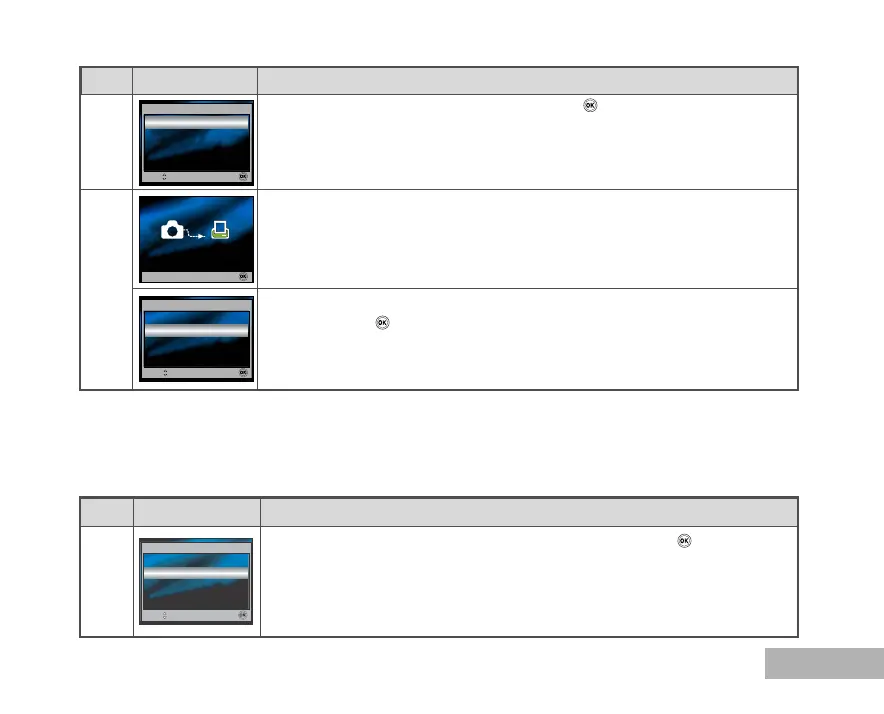
This starts printing and displays the message “Printing now” on the monitor
screen.The message will disappear after the printing is finished.
* To cancel printing:
Pressing the button during print data transfer displays the screen for
selecting whether to [Continue] or [Cancel] printing.
7
In [Print w/DPOF] Mode: This function only lets you print the specified image based on the previous
DPOF settings.
Step Figure
Procedure
Use S or T to select the [Print w/DPOF] mode, then press the button.
1
6
Step Figure Procedure
Use S or T to select [Print], then press the button to confirm.
Print w/DPOF
Select Mode
Print
Select :
OK :
Print
Print
Select :
OK :
Cancel
Cancel :
Printing now
Print
Continue
Select :
OK :
Cancel



 To Next Page