EN-29
PHOTOGRAPHY MODE
Shooting Images - The Basics
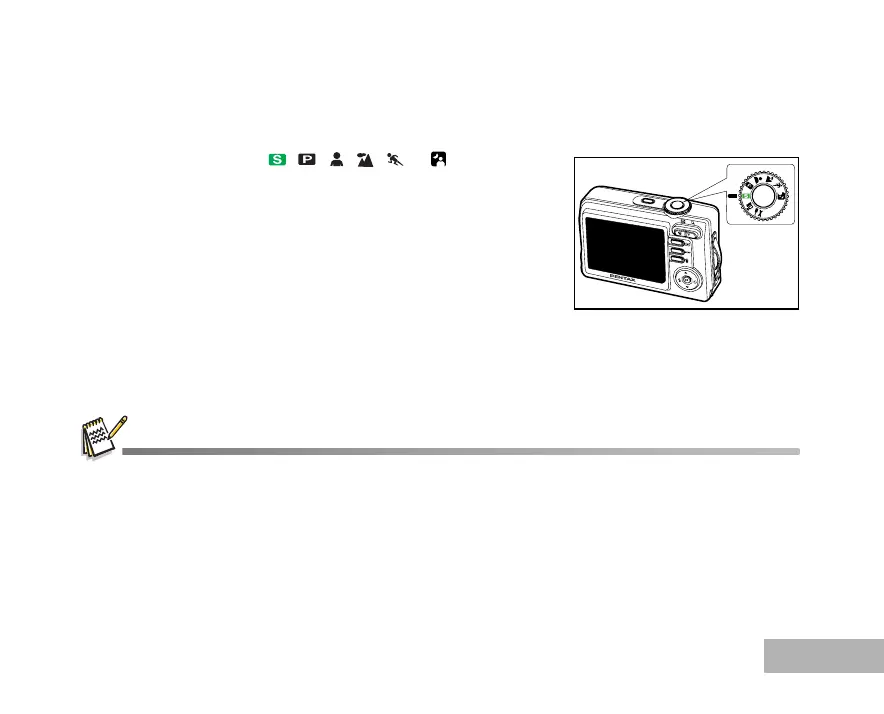
1. Rotate the mode dial to , , , , or and turn your
camera on by pressing the Power switch.
2. Compose the image on the LCD monitor screen so that the main
subject is within the focus frame.
3. Press the shutter release button down halfway to focus the image.
When you press the shutter release button down halfway, the
camera’s Auto Focus feature automatically focuses the image.
Proper exposure is determined and locked at the same time.
4. Press the shutter release button the rest of the way down to
capture the image.
The actual captured image appears to be larger than the one displayed by the LCD monitor screen after the image has
been captured.
Pressing the DISPLAY button switches the LCD monitor display mode. Each time you press the DISPLAY button, the
display changes in the following order: Normal Display Æ No Icons Æ Guide Display Æ Backlight Off.



 To Next Page