EN-45
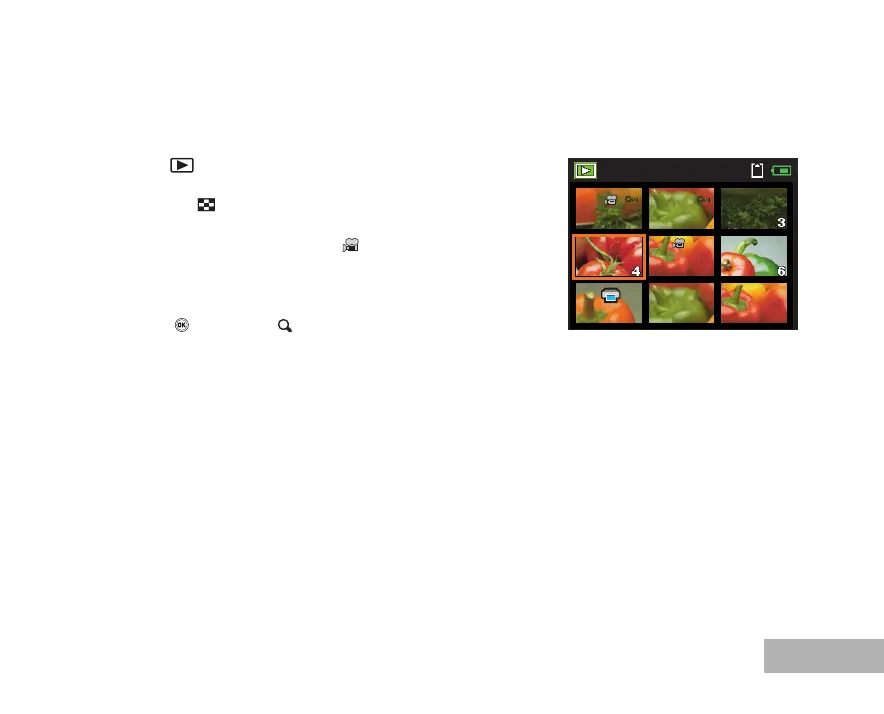
Thumbnail Display
This function allows you to view 9 thumbnail images on the LCD monitor simultaneously so you may search
for a particular image.
1. Press the button.
The last recorded image appears on the LCD monitor.
2. Press the W / button once.
Nine thumbnail images are displayed simultaneously.
For recorded movie clips, the movie mode icon will be
displayed.
3. Use the four-way controller (STWX) to move the cursor to select
the image to be displayed at regular size.
4. Press the button or T/ button to display the selected image
on full screen.
1



 To Next Page