EN-53
Setting the DPOF
DPOF (Digital Print Order Format) allows you to embed printing information on your SD memory card. By
using DPOF, you can select an image to be printed and then specify how many prints or which image you
would like. Take your SD memory card to a DPOF enabled printer that accepts memory cards. The DPOF/
card-compatible printer will read the mbedded information on the SD memory card and print your images
as specified.
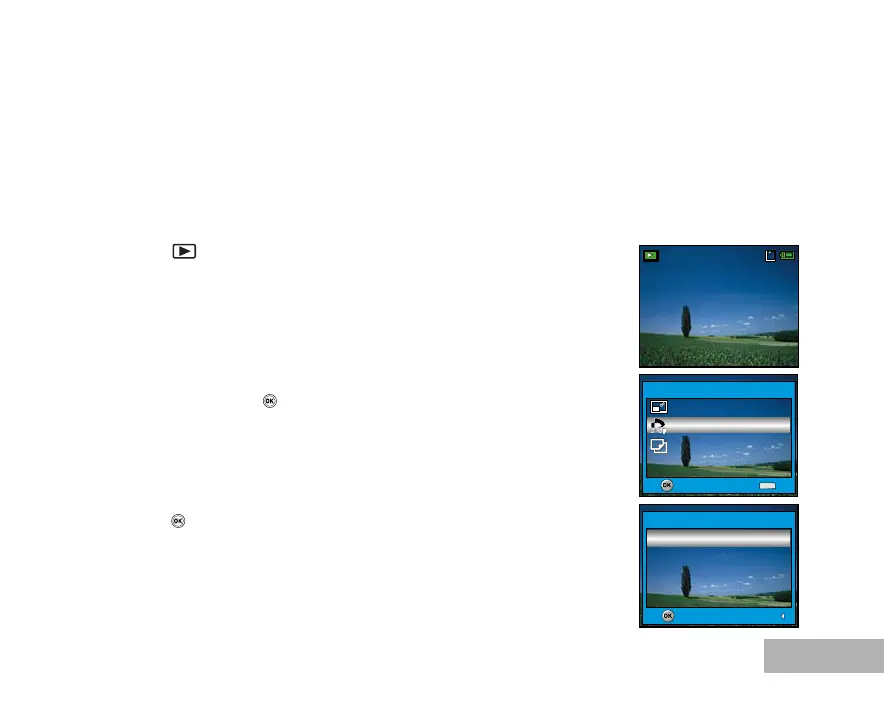
To configure print settings for a single image / all images.
1. Press the button, then use the four-way controller (WX) to select
the desired image you want to print.
The playback information displayed on the LCD monitor will
disappear after 2 seconds.
2. Press the MENU button. Use the four-way controller (ST) to select
[DPOF], then press the button.
3. Use the four-way controller (ST) to select by your preference, then
press the button.
[One Image]: To configure print settings for a single image.
[All Images]: To configure print settings for all images.
[Reset All]: Returns all basic settings to the digital camera's default
settings.
100-0001
Size 2560X1920
EV 0.0
01.11.’05 15:00
1
OK :
Exit :
DPOF
MENU
OK :
Return :
One Image



 To Next Page