EN-43
PLAYBACK MODE - THE BASICS
Viewing Images
You can display the still images one by one.
1. Rotate the mode dial to , , , , , or and turn
your camera on by pressing the Power switch.
2. Press the button.
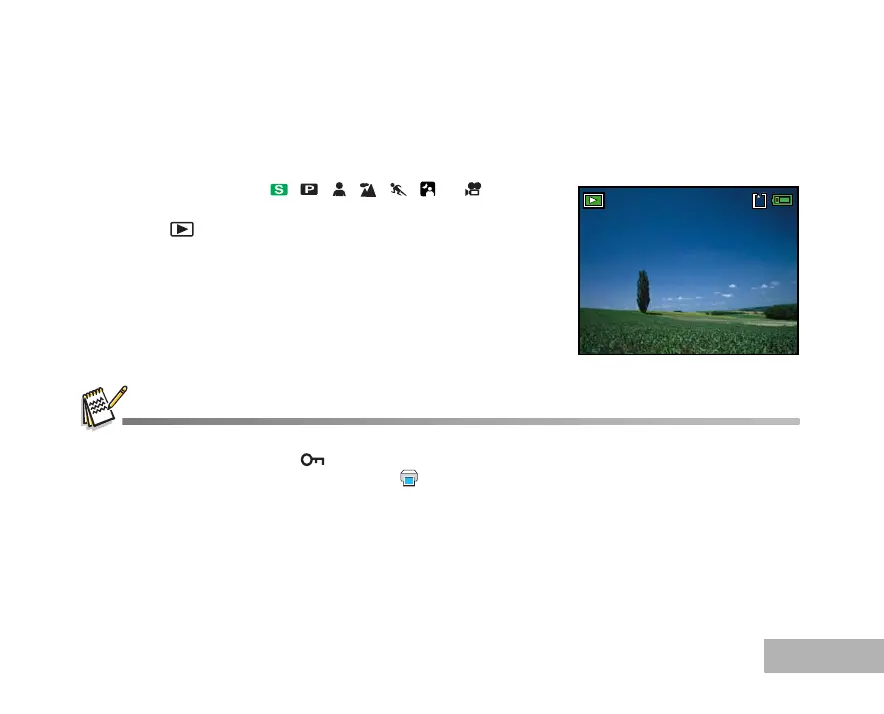
The last recorded image appears on the LCD monitor.
3. Use the four-way controller (WX) to select the desired images.
To view the previous image, press the four-way controller (W).
To view the next image, press the four-way controller (X).
The playback information displayed on the LCD monitor will disappear after 2 seconds.
For protected images/movie clips, mark will be displayed. (Refer to EN-52 for further details.)
For images selected for printing with DPOF setting, mark will be displayed. (Refer to EN-53, 54 for further details.)
If there is no image stored in the internal memory or on the memory card. [No Image] message will appear on the monitor.
You cannot enter the Playback mode from the Setup mode.
100-0001
Size 2560X1920
EV 0.0
01.11.’05 15:00
1



 To Next Page