EN-57
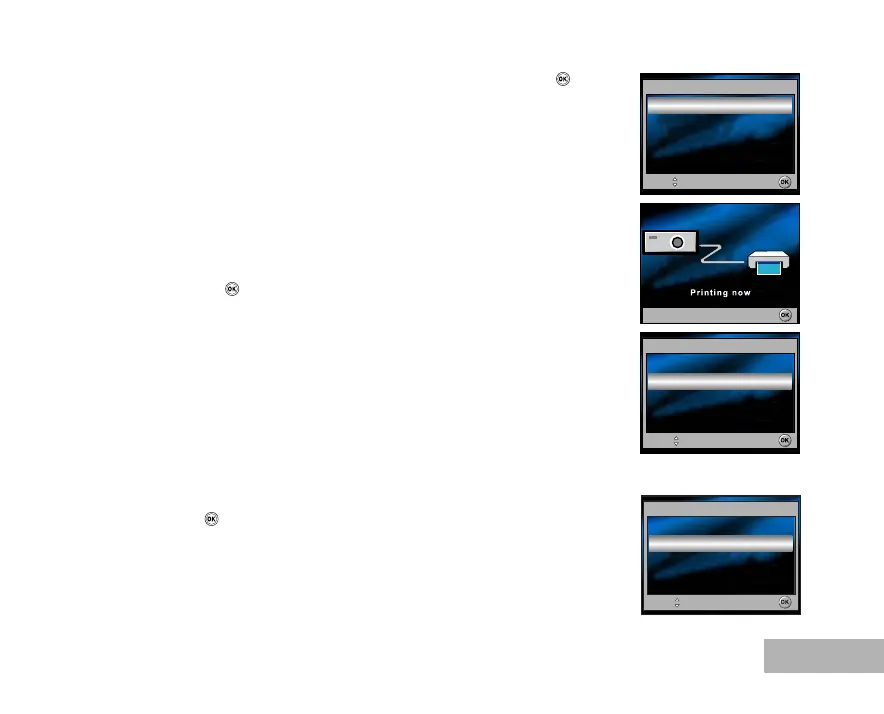
6. Use the four-way controller (ST) to select [Print], then press the
button to confirm.
7. This starts printing and displays the message “Printing now” on the
LCD monitor screen.The message will disappear after the printing is
finished.
To cancel printing:
Pressing the button during print data transfer displays the
screen for selecting whether to [Continue] or [Cancel] printing.
In [Print w/DPOF] Mode:
This function only lets you print the specified image based on the previous DPOF settings.
1. Use the four-way controller (ST) to select the [Print w/DPOF] mode,
then press the button.
Print
Select :
OK :
Cancel :
Select :
OK :
Cancel
Print w/DPOF
Select :
OK :



 To Next Page