EN-75
Set-up2 settings
Item Functional Description
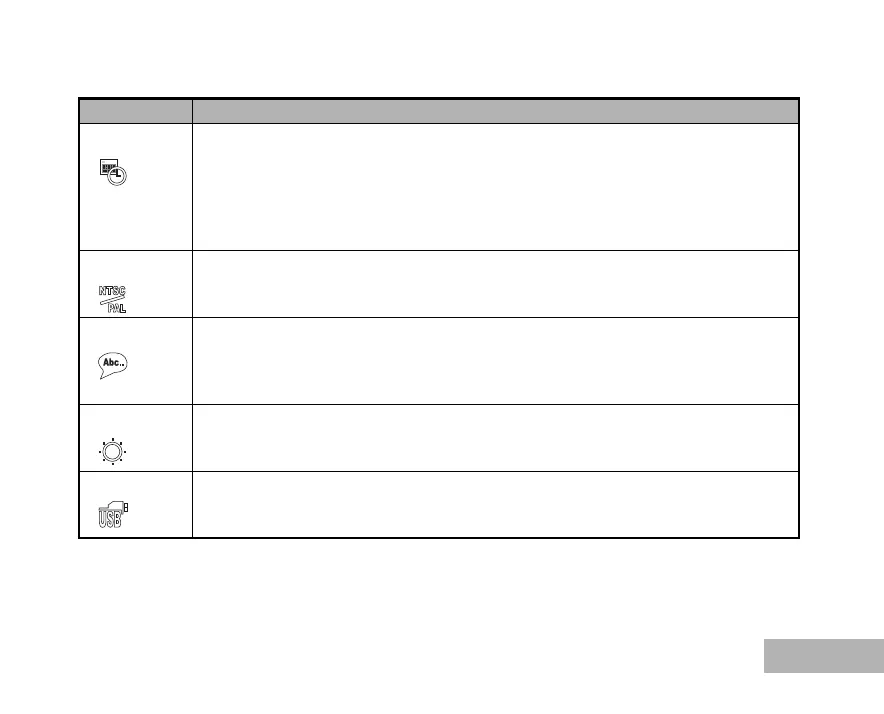
Date Adjust This sets the date and the time.
Refer to the section in this manual titled “Setting the Date and Time” (EN-26) for further
details.
y/m/d
d/m/y
m/d/y
Video Out Sets video output of the camera for matching the video output system of the equipment
that you are going to connect to the camera.
PAL / NTSC
Language Sets the language that is displayed on the LCD monitor.
Refer to the section in this manual titled “Choosing the Screen Language” (EN-25) for
further details.
English / Français / Deutsch / Español / Italiano / Svenska / Nederlands / Русский
Brightness This sets the brightness of the LCD monitor.
The adjustment range is from -5 to +5.
USB Con. Select to choose one of the following modes for further settings. (Refer to EN-55, 61, 65
for further details)
PC / PictBridge / PC Camera



 To Next Page