44
Taking Pictures
Manual Setting
z
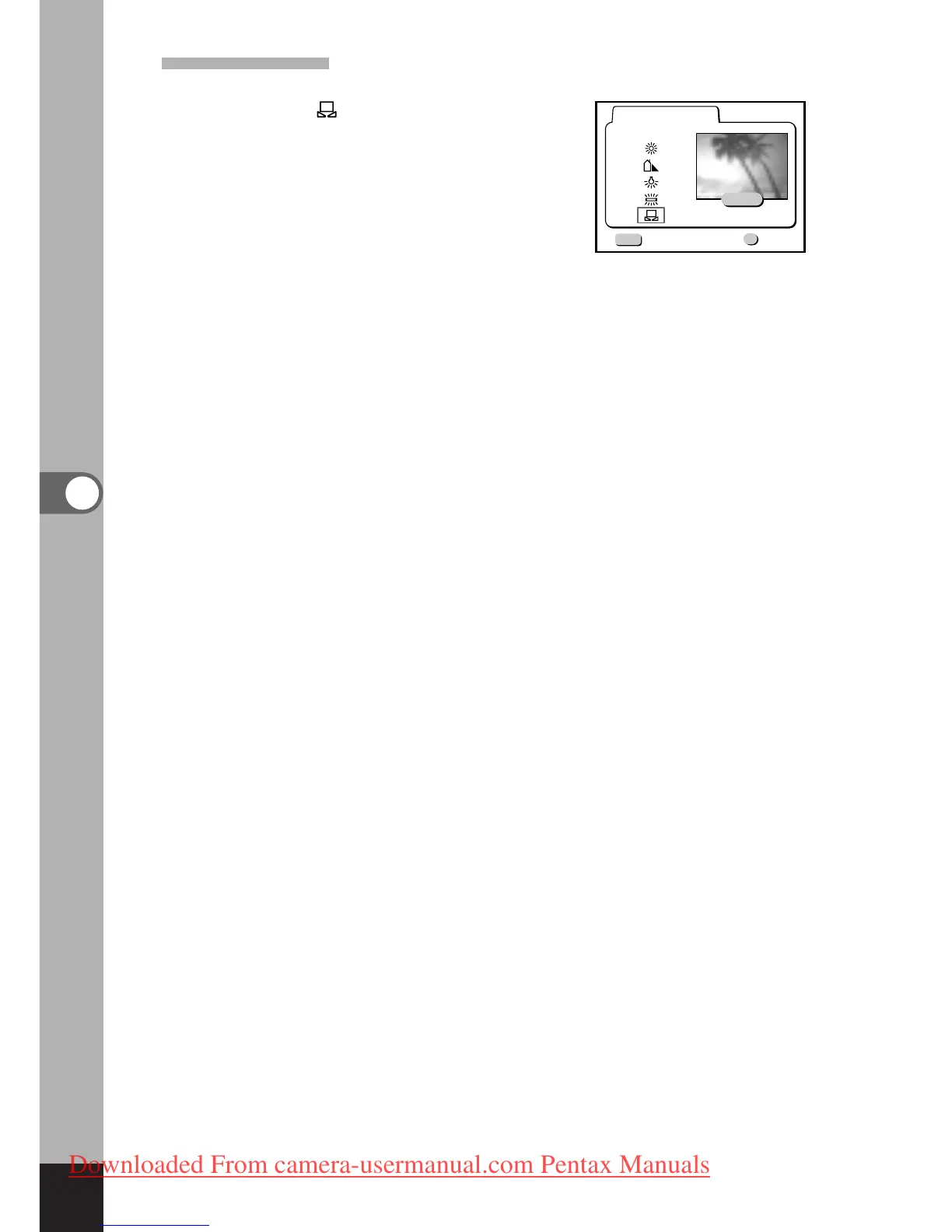
Select [ ] (manual) on the white
balance screen.
x
Point your camera at a blank sheet
of paper so that it fills the screen.
c
Press the Display button.
The white balance is automatically
adjusted, [Adjust] is displayed on
the LCD monitor and the display
returns to the menu screen.
v
Press the OK button.
The camera is ready to take the picture.



 To Next Page