94
Playback/Erasing/Editing
Trimming Images
You can trim part of a picture and save it as a separate image.
z
Press the MENU button.
x
Press the four-way controller ().
The [ Playback] menu will be displayed.
c
Press the four-way controller () to select [Trimming].
v
Press the four-way controller ().
The image that can be trimmed.
b
Choose the image you want to trim
with the four-way controller (
).
n
Press the OK button.
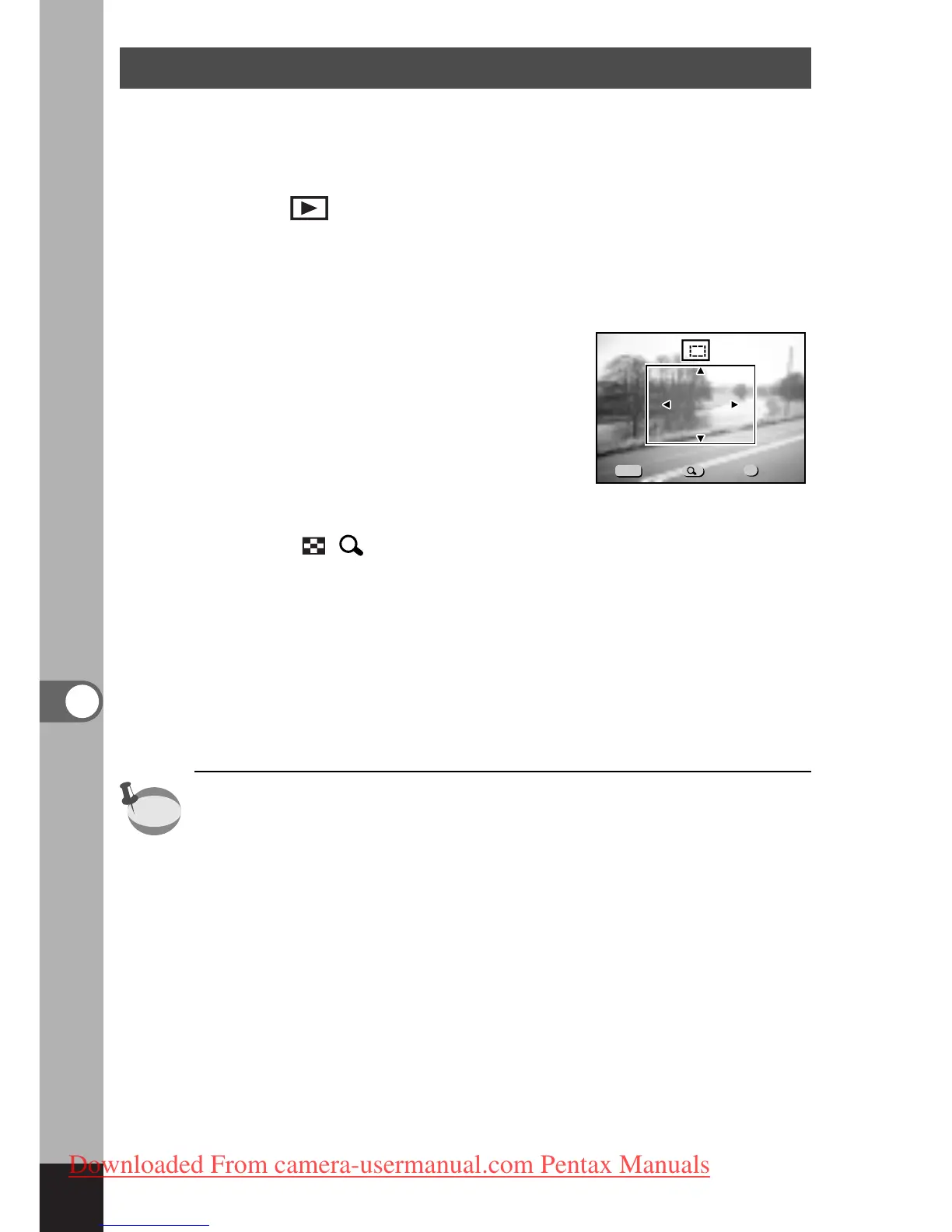
The trimming screen will be dis-
played.
m
Trim the image.
Operations available on the Trimming screen.
Zoom/ / button:
Changes the size of the image
Four-way controller
()
: Moves the trimming position
up, down, right and left
MENU button: Returns to the screen for
selecting an image to trim
,
Press the OK button.
The trimmed image will be saved as a separate image with
same quality level and recorded pixels of the original image.
• Movie pictures cannot be trimmed.



 To Next Page