93
Playback/Erasing/Editing
n
Press the OK button.
m
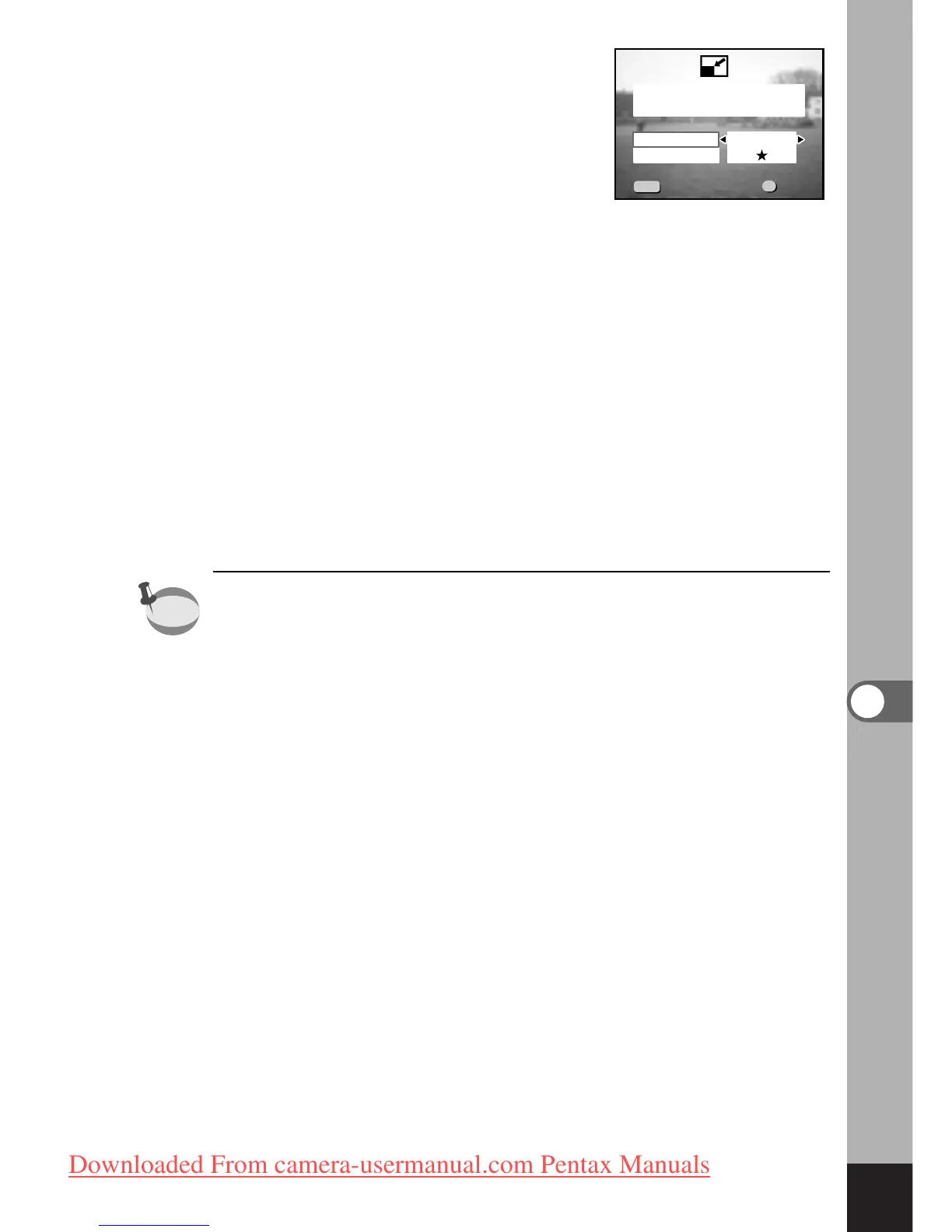
Press the four-way controller () to select [Recorded
pixels].
,
Press the four-way controller ().
The select frame moves to [Quality Level].
.
Press the four-way controller () to select [Quality
Level].
⁄0
Press the OK button.
⁄1
Press the four-way controller () to select [Overwrite]
or [Save as].
⁄2
Press the OK button.
The image will be resized.
• Movie pictures cannot be resized.
• You cannot select a larger size than that of the original
image.



 To Next Page