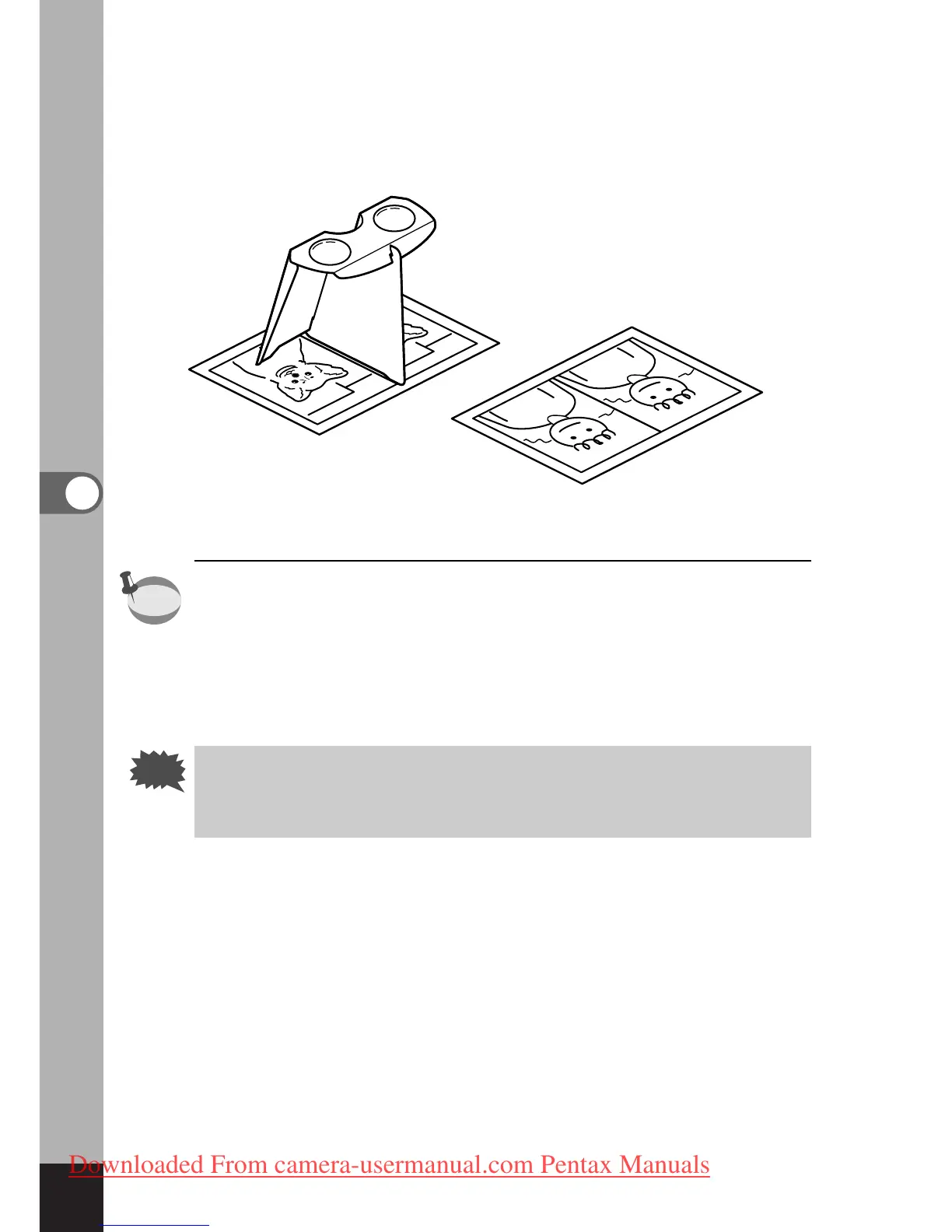
How to view 3D pictures using the 3D image viewer
Print out the pictures so that they are about 11cm or 12cm wide
and place the divider of the 3D image viewer in the middle of
the two.
As the distance between the left and right eyes differs from per-
son to person, some people may have difficulty obtaining a
three-dimensional effect even when looking at prints that are the
same size. It may be especially difficult if the pictures are very
large or very small. Try different sizes until the right effect is
achieved.
• Never look at the sun through the 3D image viewer.
• Do not leave the 3D image viewer where it is exposed to
direct sunlight as this may lead to fire.



 To Next Page