13
© 2010 PeopleNet Communications. All rights reserved.
DC-DC Installation
DC-DC Installation
You will need the DC-DC Power Supply Kit for the following procedures.
Connecting the DC-DC Power Supply to the PeopleNet
System
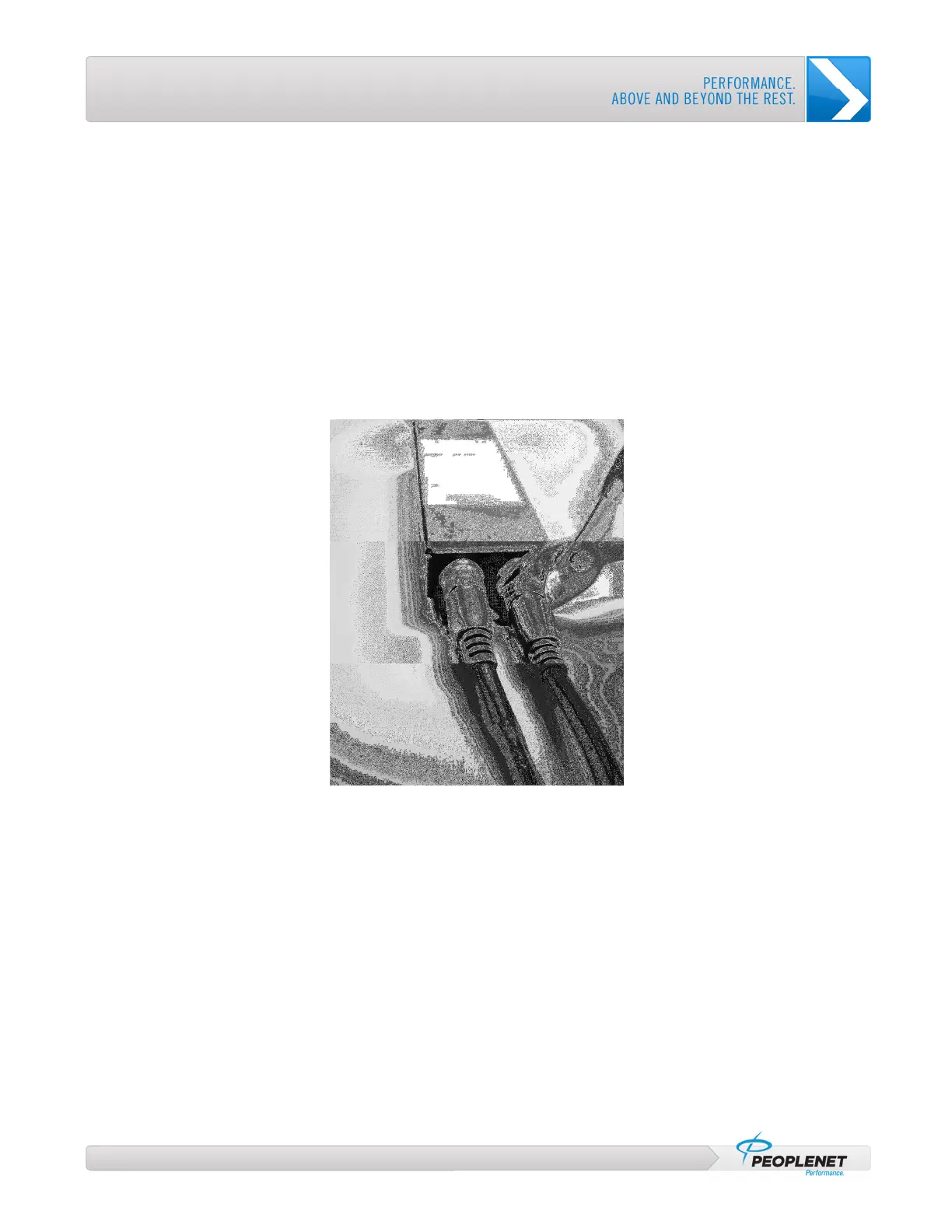
1. Locate the two blue barrel connectors; one from the Main Cable (for explanation, refer to the PeopleNet
Installation Manual), and one from the TABLET Interface Cable.
2. Plug both connectors into their corresponding connectors on the DC-DC Power Supply.
3. Use pliers to gently tighten the connectors until snug.
Figure 6: Gently Tighten Connectors until Snug



 To Next Page