15
© 2010 PeopleNet Communications. All rights reserved.
DC-DC Installation
Connecting Power to the DC-DC Power Supply
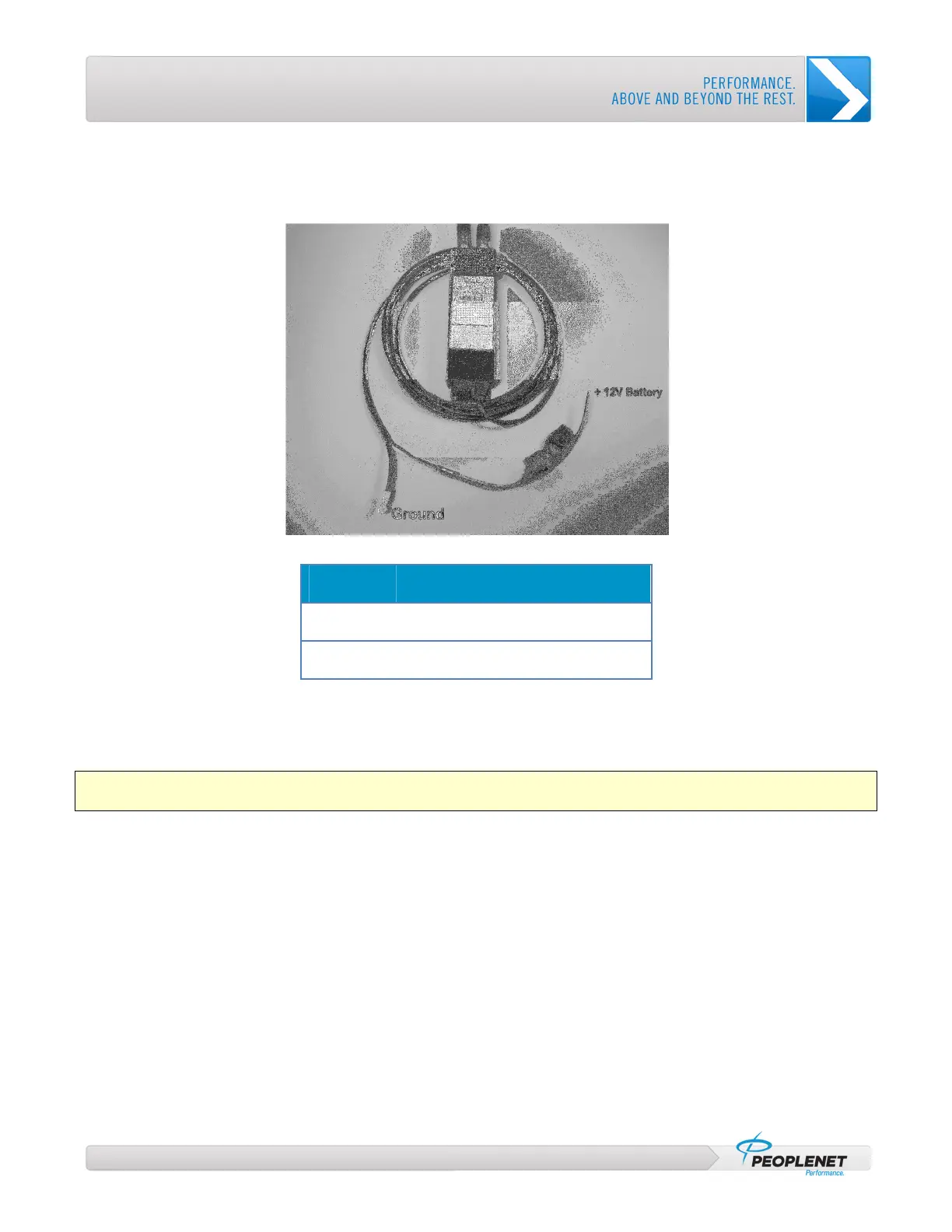
Keep Figure 7 and the following colors in mind as you proceed with this procedure:
Figure 7: DC-DC Power Supply Wires
Wire Color
Description
Red
Constant +12 Volts (Not Switched)
Black
Ground
1. Using a butt connector, attach the red wire from the DC-DC Power Supply to the fuse holder.
2. Connect the other end of the fuse holder to a 15 Amp power source.
This may be the same source that is used for g3 power.
Important: Do not connect the 15 Amp fuse in series with the 5 Amp fuse; go directly to the vehicle’s power
source.
3. Secure the black, grounding wire and silver, shielding wire to a secure, reliable ground.
4. Verify that you are ready to power up the TABLET.
5. Insert the 15 Amp ATC fuse into the fuse holder.



 To Next Page