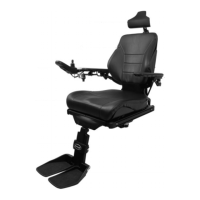
F5 Corpus
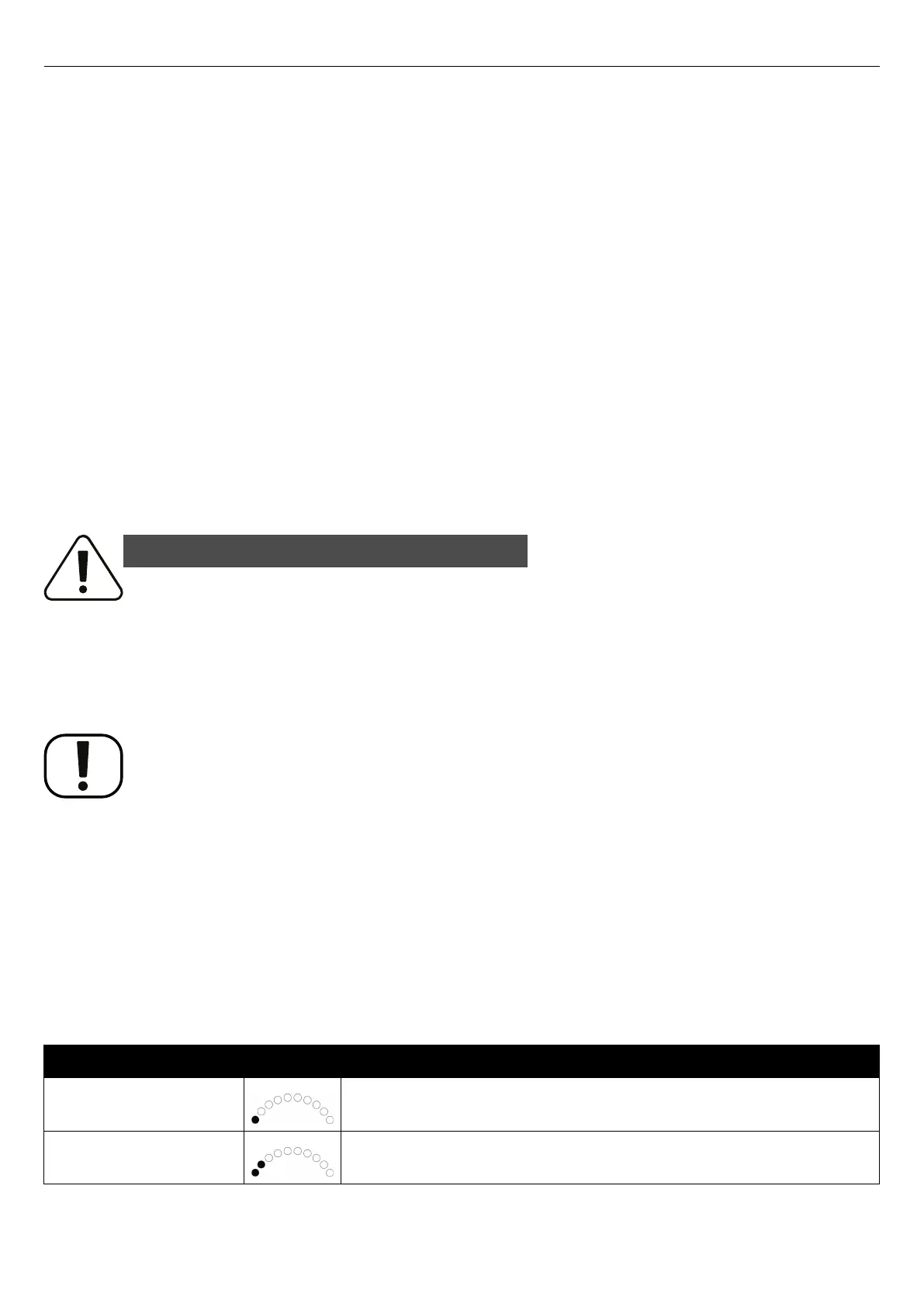
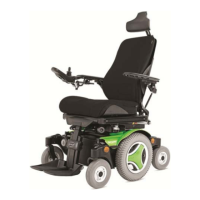
Troubleshooting - Diagnostics R-net LED control panel
7.2.2 Steady
Everything is in order. The number of LEDs that light up depends on
the charge remaining in the batteries. If the batteries are fully charged,
all the LEDs light up.
7.2.3 Slowly flashing red LEDs, 1–2 LEDs
The batteries must be charged immediately.
7.2.4 Rapidly flashing, 1–10 LEDs
A fault has been detected in the wheelchair‘s electronics and the
wheelchair may not be driven.
1. Switch off the wheelchair.
2. Check that all visible cables and the cable to the control panel are
connected correctly.
3. Switch the wheelchair on again. If the fault persists, count the
number of flashing LEDs and check for a possible cause and remedy
in the following table.
4. Do not use the wheelchair until the problem has been remedied or
you have received other information from your service provider.
WARNING!
Performing diagnostics
Diagnostics may only be performed by personnel with knowledge of the
wheelchair’s electronic control system. Incorrect or poorly performed repair
works may make the wheelchair dangerous. Permobil accepts no liability for
any personal injury or damage to the wheelchair and its surroundings that
occur due to incorrect or poorly performed repairs.
NOTICE
Unapproved replacement of parts
If any part is replaced without approval from Permobil, the wheelchair
warranty will become void. Permobil accepts no liability for any loss that
occurs as a result of a control system component being opened, adjusted or
modified without permission.
If any part is replaced without approval from Permobil, the warranty will
become void. Permobil accepts no liability for any loss that occurs as a result
of the being modified without permission.
7.2.5 Example of error messages and remedies
Event
Indication
Remedy
1 LED
Low battery voltage
Check the condition of the batteries. Check the contact between the battery
and the control unit.
2 LEDs
Failure in left drive motor
Check the connection of the left drive motor.
190










 To Next Page