F5 Corpus Repairs - Seat
4.1.9 Panel holder
• Allen key, 4 mm.
• Allen key, 5 mm.
• Diagonal pliers.
• Something to document with (camera, pen and paper etc.).
4.1.9.1 Removing panel holder
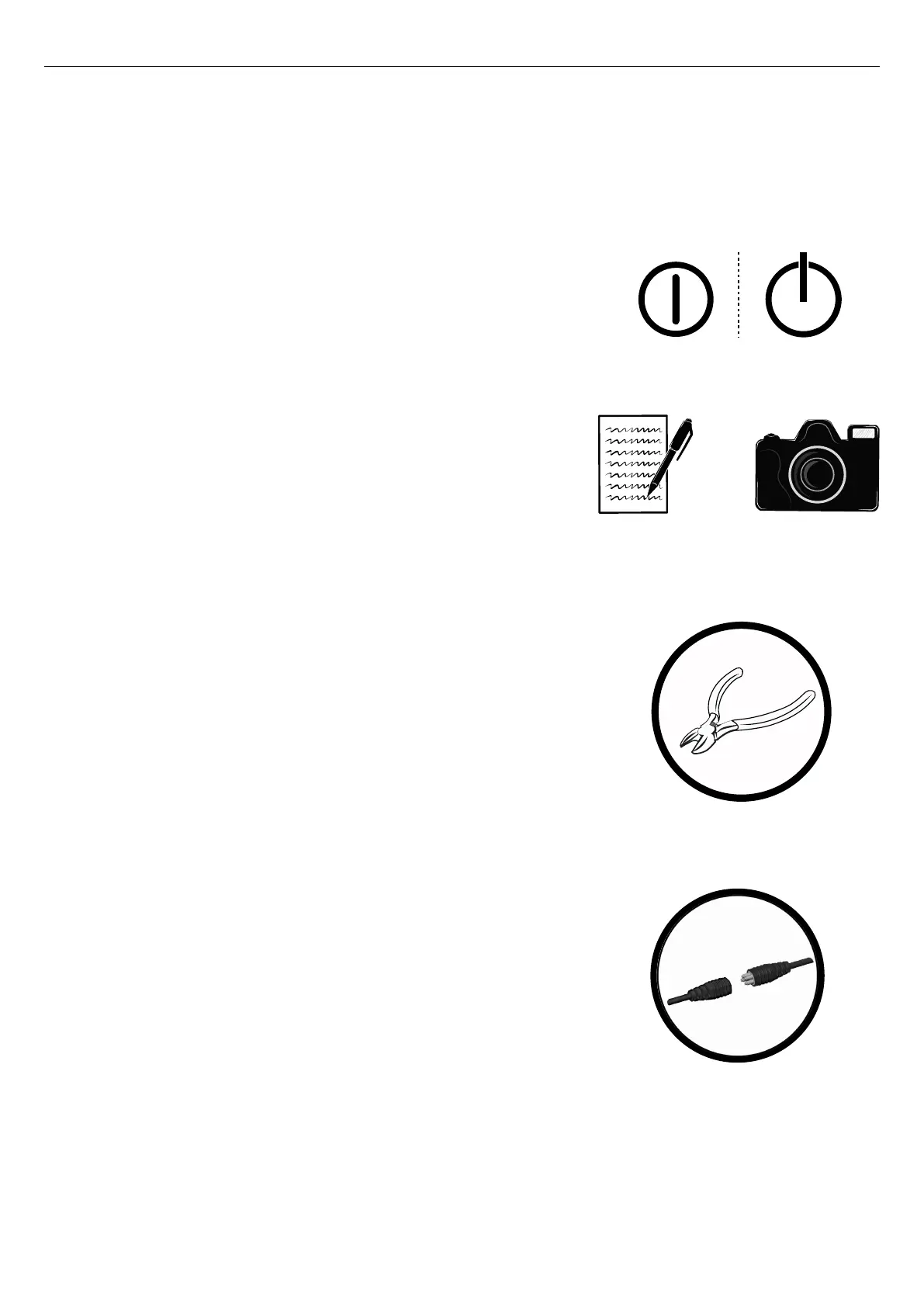
Figure 106. On/Off symbol depending on model.
1. Switch Off the main power switch on the control panel.
Figure 107. It is important that you document the
locations of the cable ties. Use a camera or make a
drawing.
2. Document the locations of the cable ties for the reassembly. The
locations of the cable ties can vary between different configurations.
Figure 108. Use the diagonal pliers.
3. Remove the cable ties necessary for removing the panel holder.
Figure 109. The control panel’s cable connection is in
most cases situated under the armrest.
4. Disconnect the control panel’s cable.
46










 To Next Page