iMETOS Maintenance & troubleshooting 12
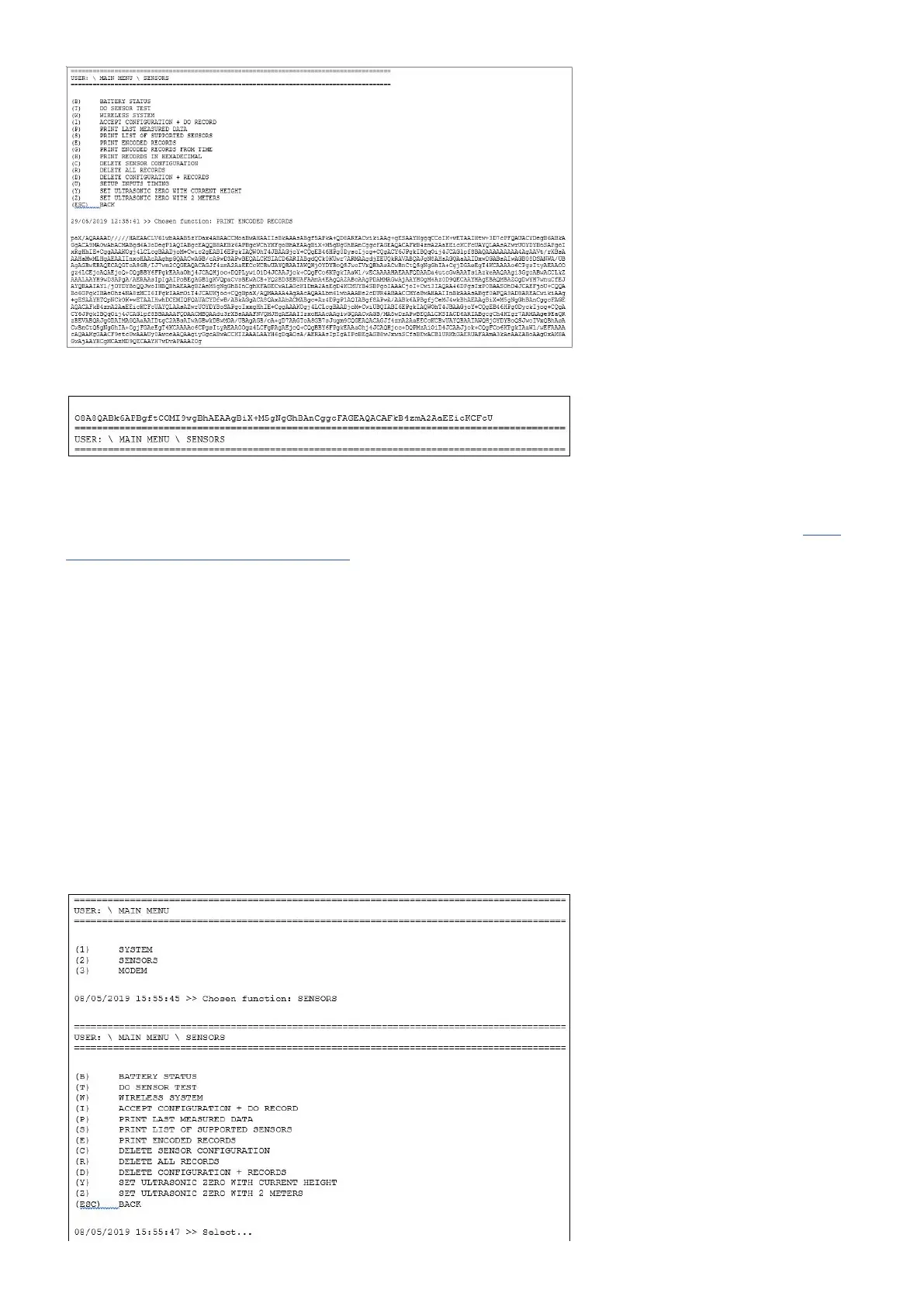
And so on until the menu appears again:
3. Copy all of this, save it with the serial number of the station and send it to us (support@metos.at). We will
upload this later directly to our server.
After this is done, it is time to clear the sensor conguration and records following the next document Eras-
ing sensor conguration and records.
11.2 Erasing sensor conguration and records
When using faulty sensors or operating the station in an unexpected way, the sensors conguration and/or
records could be damaged to a point that aects some functionalities of the station. To recover from that, it is
recommended to clear the sensors conguration and to erase the records from the non volatile memory.
To do that, please follow the steps:
1. With the USB cable connected, jumper on J1 and the terminal application running, navigate to the menu (2)
SENSORS.
2. Now, in the SENSORS menu, select the option (D) DELETE CONFIGURATION + RECORDS.



 To Next Page