36
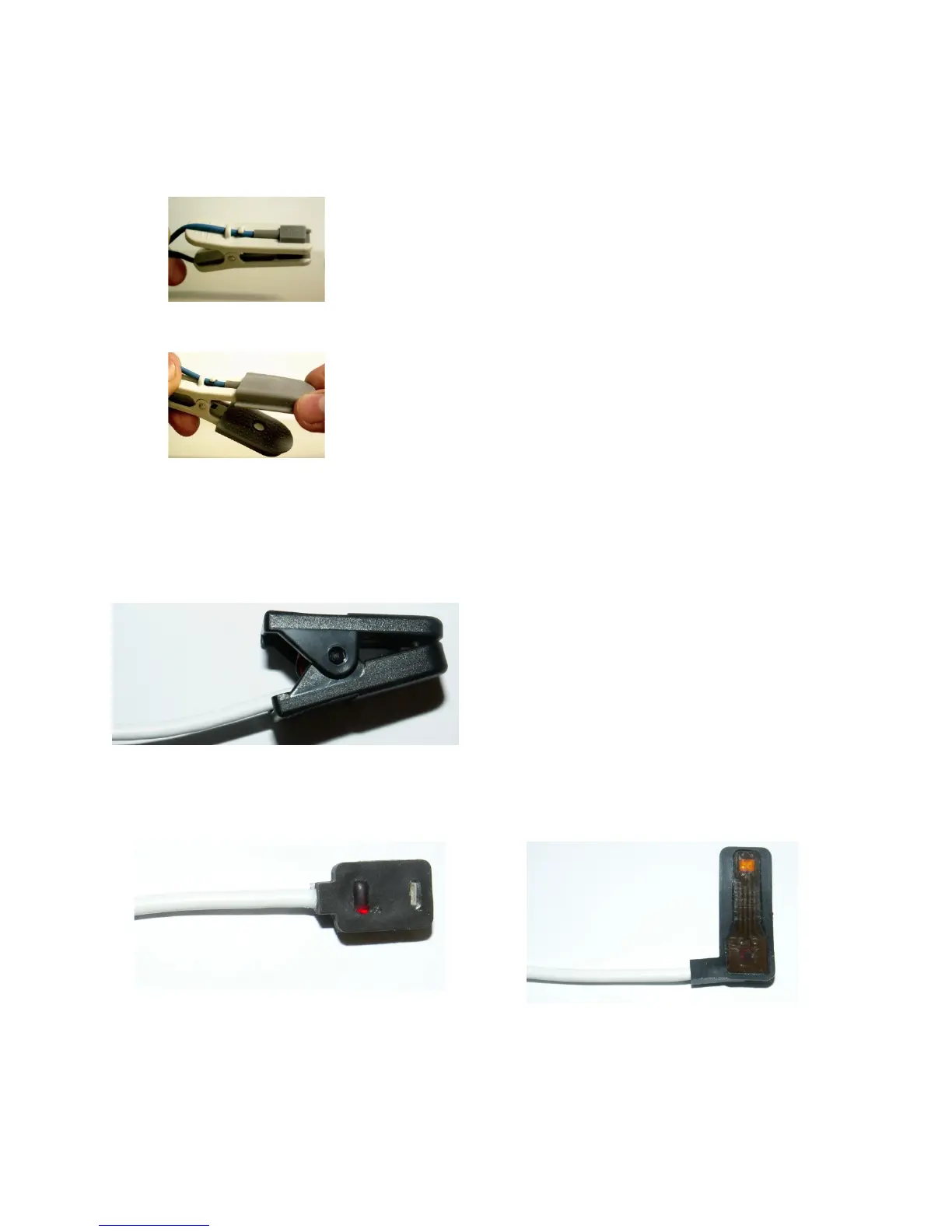
3) Slide the sensing elements onto the other clip, ensuring that the tabs slide into the notched
areas at the end of the clips and that the sensing elements are facing inward. Secure the cable
around the securement points.
4) Install the rubber covers.
Store the removed clip in an area where others will know where to find it.
If petMAP+II was purchased with the NONIN SpO2 technology (#7404), the sensor supplied with the
unit will look like this:
Additional sensor types are optionally available for purchase.
Nonin Transflectance Sensor #9018 Nonin Flex Sensor #9019



 To Next Page