4 1-800-732-2677 (US), 1-800-457-3911 (Canada)
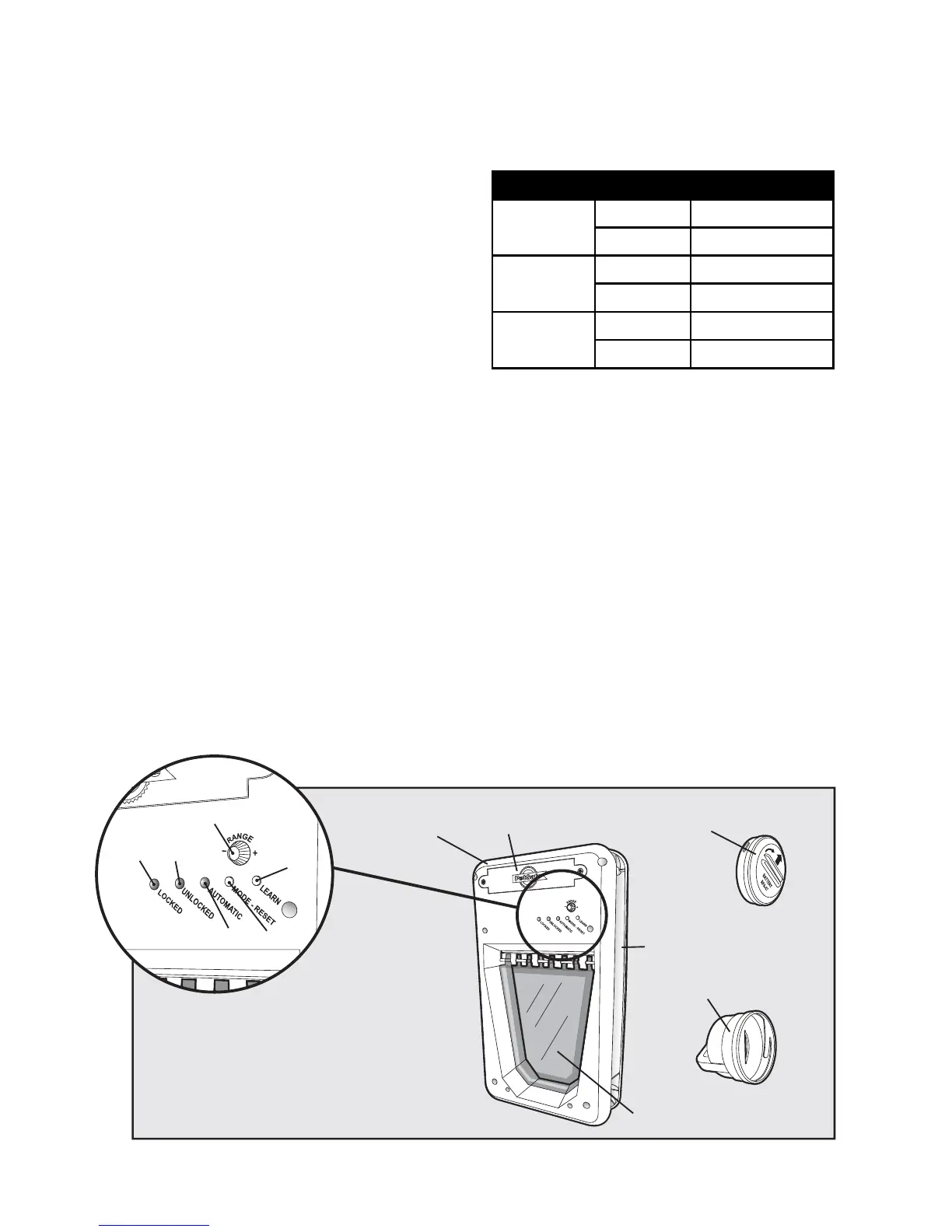
Key Defi nitions
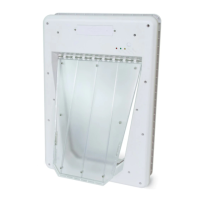
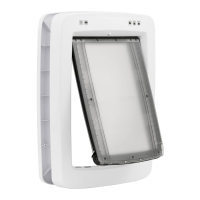
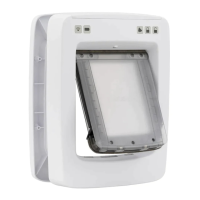
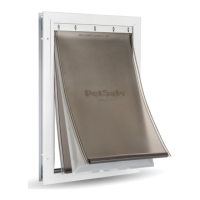
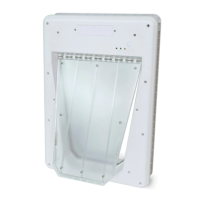
Electronic SmartDoor
™
: The Electronic SmartDoor mounts in any entry door or wall through which
your pet may have access.
Battery Box Cover: This cover, with the PetSafe
®
logo, is placed over the required 4 D-cell batteries on the
front of the unit, and is secured with 2 Battery Box Cover screws.
Lights:
• Locked/Low Battery Red LED: The red LED
indicates “Locked” mode; a fl ashing red LED
indicates low battery condition.
• Unlocked/Learn Mode Green LED: The green
LED indicates “Unlocked” mode; a fl ashing
green LED indicates learn mode.
• Automatic/Error Mode Yellow LED: The
yellow LED indicates “Automatic” mode; a
fl ashing yellow LED indicates error mode.
LED Color Condition Pet Door Status
RED
Solid Locked Mode
Flashing Low battery alert
GREEN
Solid Unlocked Mode
Flashing Learn Mode
YELLOW
Solid Automatic Mode
Flashing Error alert
Mode/Reset Selection Button: The left-most button allows selection of the “Locked”, “Unlocked”
and “Automatic” modes of operation for the Electronic SmartDoor. This button is also used to reset
the unit when it is in error mode (yellow fl ashing light).
Learn Mode Selection Button: The right-most button allows you to add different SmartKey ID
codes to the Electronic SmartDoor’s memory, one for each of your pets, up to fi ve.
Range Knob: The knob located on the front of the Electronic SmartDoor controls the distance or
range at which the SmartKey will activate the Electronic SmartDoor. By turning the Range Knob
clockwise, the range of detection of the SmartKey is increased. By turning the Range Knob counter-
clockwise, the range of detection is decreased.
Flap: The clear center portion of the Electronic SmartDoor locks/unlocks to allow access for your
pet. The fl ap is pushed open by your pet when entering or exiting and then swings to centered closed
position. In “Automatic” mode, once the pet leaves the detection zone, the fl ap will lower and lock.
SmartKey
™
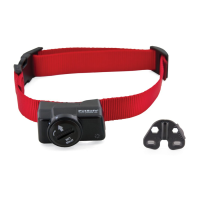
: The SmartKey, which attaches to your pet’s collar, sends a unique coded signal to the
Electronic SmartDoor.
RFA-67 Battery: The replaceable battery that powers the SmartKey. Additional RFA-67 batteries are
available where you purchased your Electronic SmartDoor, or by calling
1-800-732-2677 (US), 1-800-457-3911 (Canada).
SmartKey
™
RFA-67 Battery
Electronic
SmartDoor
™
Battery Box Cover
B. Locked/Low Battery Red LED
C. Unlocked/Learn Mode Green LED
D. Automatic/Error Mode Yellow LED
E. Mode/Reset Selection Button
F. Learn Mode Selection Button
A. Range Knob
Flap
Rear Door Frame
A
BC
D
E
F




 To Next Page