EasyManua.ls Logo

Petsafe Invisible Fence - User Manual

Petsafe Invisible Fence
8 pages
Print Icon
To Next Page IconTo Next Page
Loading...
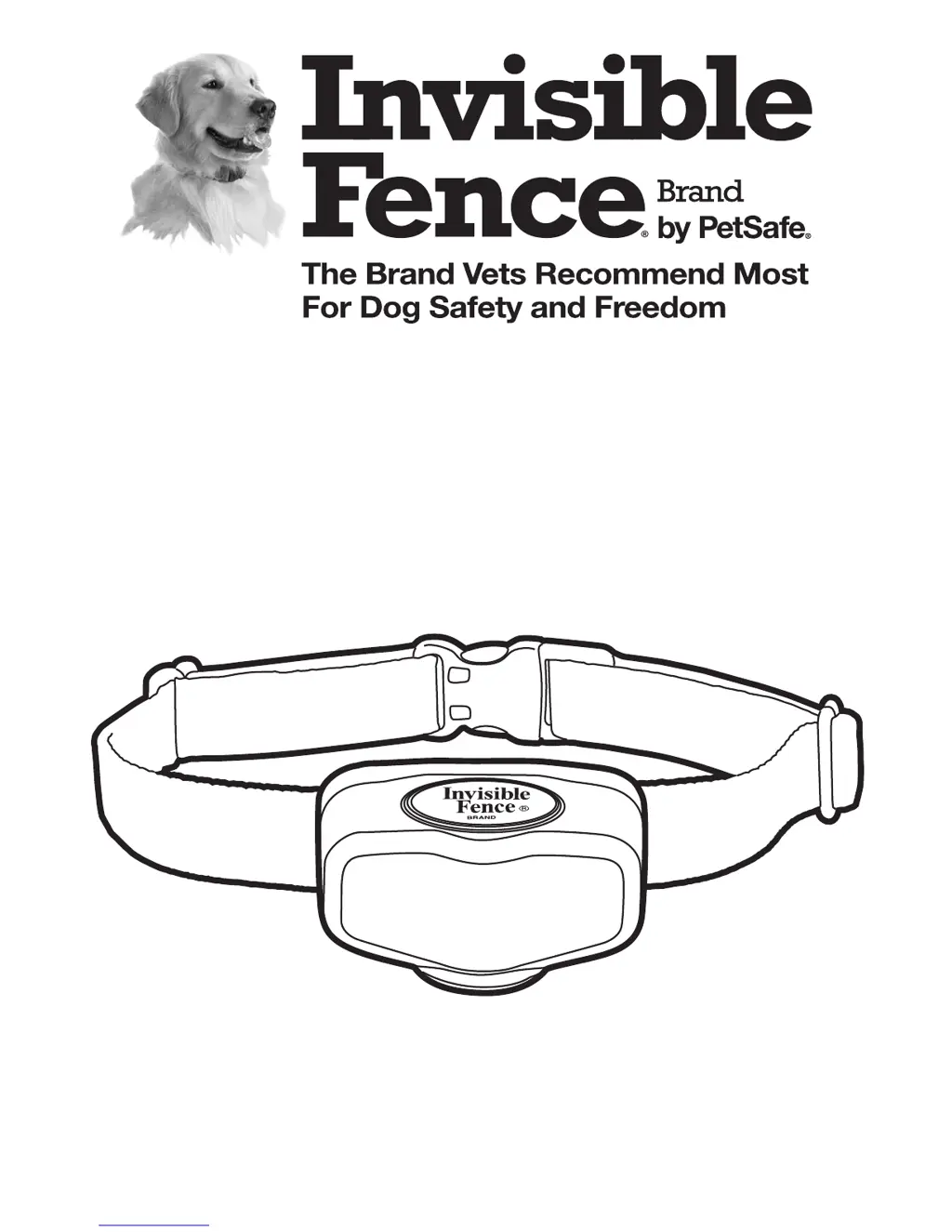
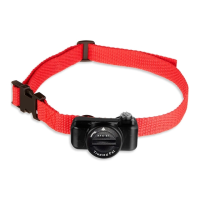
MicroLite
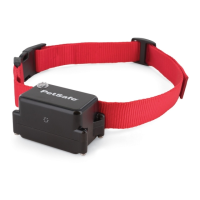
Computer Collar
®
Unit
Owner’s Manual
www.invisiblefence.com

Questions and Answers

  • J
    John ContrerasJul 27, 2025
    What to do if my Petsafe Invisible Fence Pet Care Product pet is getting out?
    • B
      Bryan HayesJul 27, 2025
      If your pet is getting out, there are several potential causes. First, the Power Cap® unit in the MicroLite™ Computer Collar® unit might be dead or weak, in which case you should replace the Power Cap® unit. Alternatively, the MicroLite™ Computer Collar® unit might not be properly fitted; ensure it fits correctly. Other potential issues include a break in the signal field wire, a lack of power to the transmitter (make sure the transmitter power supply is plugged in), or a signal field that is too narrow. In these latter cases, you should contact your Invisible Fence® Brand Dealer. It's also possible that your pet needs additional training, for which you should also contact your Invisible Fence® Brand Dealer.
  • J
    Joseph MedinaAug 5, 2025
    Why is my Petsafe Invisible Fence Pet Care Product MicroLite™ Computer Collar® unit not responding to the signal field?
    • V
      Veronica WilsonAug 5, 2025
      If the MicroLite™ Computer Collar® unit isn't responding to the signal field, the Power Cap® unit might be dead or weak, so replace the Power Cap® unit. Another possibility is a break in the signal field wire, or that power is not supplied to the transmitter. In the case of a broken signal field wire, contact your Invisible Fence® Brand Dealer. If there is no power to the transmitter, make sure the transmitter power supply is plugged in.
  • D
    Donna OrtizAug 16, 2025
    What to do if my pet will not enter the yard with Petsafe Invisible Fence?
    • T
      Tina MartinAug 16, 2025
      If your pet refuses to enter the yard, it might be due to the signal field being too high. In this case, you should contact your Invisible Fence® Brand Dealer to check the signal field. It's also possible that your pet needs additional training, so contact your Invisible Fence® Brand Dealer for further assistance.

Summary

Important Precautions

Components

How the System Works

Operating Guide

The MicroLite Computer Collar Unit

Introduction to the microprocessor-controlled collar unit and its power source.

Fitting the MicroLite Computer Collar Unit

Instructions for correctly fitting the collar on a pet for proper function.

MicroLite Computer Collar Power Cap Unit Status

Explains how to check the status of the collar's power unit via LED indicators.

Changing the Power Cap Unit

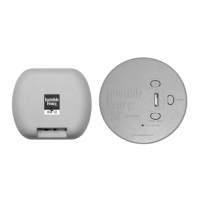
Power Cap Unit Tester

Periodic Maintenance Checks

Troubleshooting

Important Warnings

Battery Disposal

Compliance

Petsafe Invisible Fence Specifications

General IconGeneral
TypeIn-Ground Fence
Adjustable LevelsYes
Number of PetsUnlimited with additional collars
Coverage AreaUp to 25 acres with additional wire
Wire Gauge20 gauge
WaterproofYes
Correction Levels5 levels of static correction

Related product manuals