4:8
How to select a stitch
On your Pfaff creative 2124 you can select a stitch with your
direct selection buttons on the keypad on the base of the
machine.
To choose a stitch with a two fi gure number, press for example
2 and 3 to select stitch no. 23. The stitch number will appear on
the window.
Straight stitch
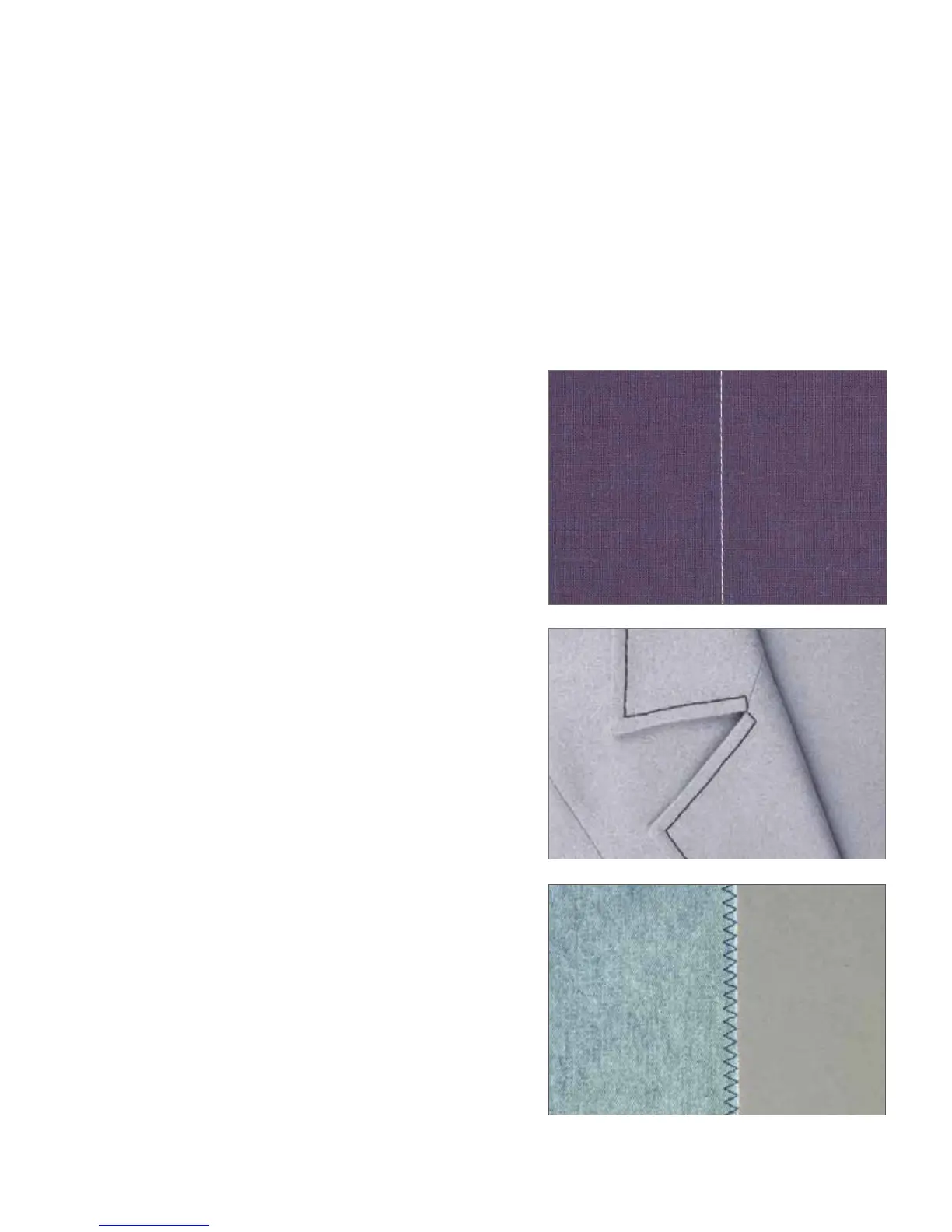
Stitch 1 is the basic straight stitch in center needle position. The
stitch length can be increased up to 6 mm. Change the needle
position of the straight stitch to sew in a zipper or topstitch
along the edge of a collar. Your Pfaff creative 2124 has 13 needle
positions that can be adjusted with the stitch width -/+ buttons.
Tip: Use the “needle up / down” button to easily pivot at collar points.
You can also just tap on the foot control to set the needle in the down
position.
Three-step Zigzag stitch – No 4
Stitch no 4 can be used to overcast raw edges. Make sure the
needle pierces the fabric on the left side and overcasts the edge
on the right side.
Stitch number 4 can also be used as an elastic stitch to add elastic
to pajamas, skirts and sportswear.








 To Next Page