SettingsSystemInformation
1) TheMainMeasureScreen
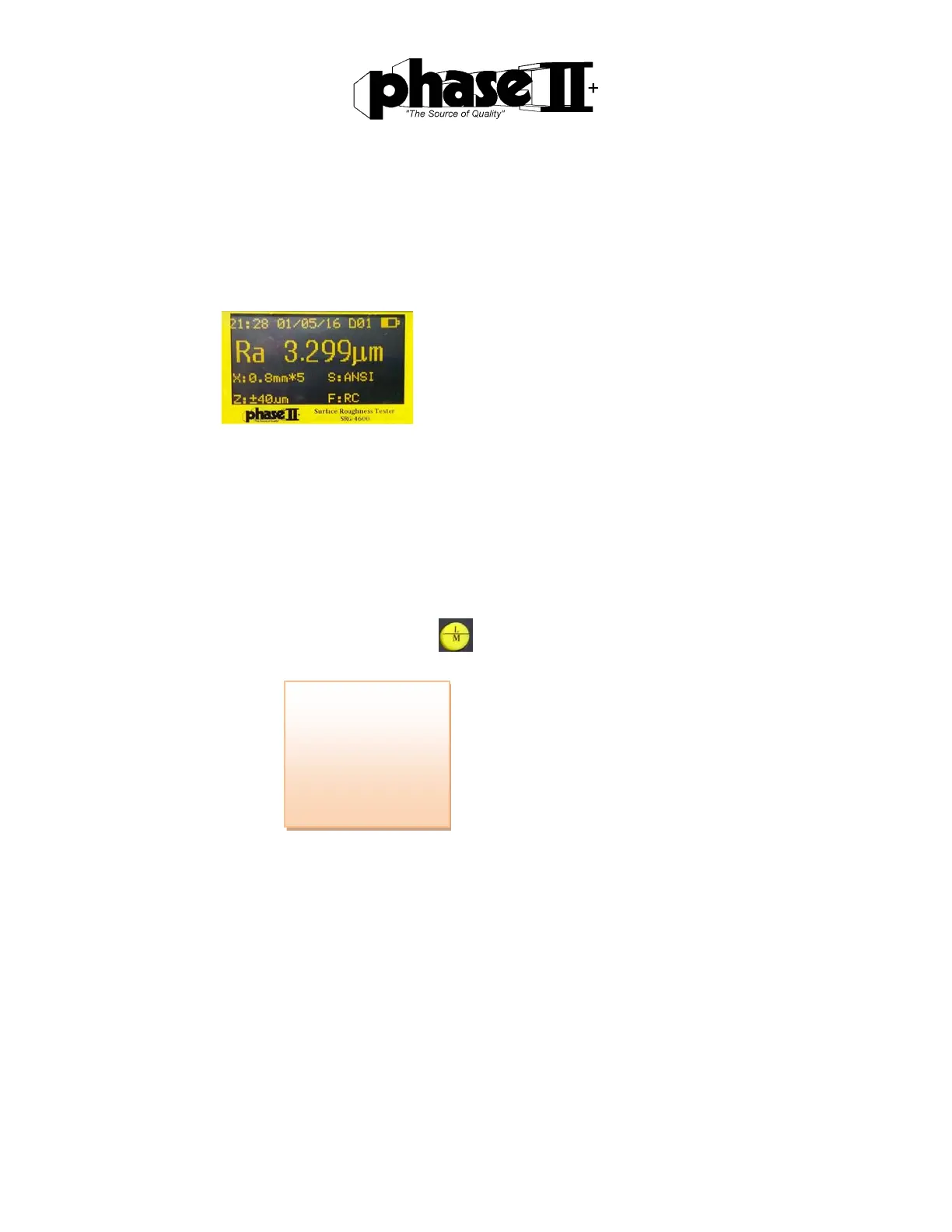
TheHomescreenoftheSRG‐4500isasshownabove.Thisisthescreenthatwillbeon
displayuponpowerup.Thehomescreenshowsallmeasuringparametersthathavebeen
previouslyset.Parameterssuchassamplelength,assessmentofthelength,range,filter
andmeasurementunitswillbeshown.
Inthemaininterface,eachbuttononthekeypadwillimplementaspecificfunction.
2) Mainmenu
Toenterthemainmenu,pressandholdthe Set/Menubutton
Useupordownarrowstoscrollthruselectionsshownonthedisplay.
MeasureSet
PrintResult
Calibration
MemoryData
Language
SystemSet
AboutSoftware



 To Next Page