38
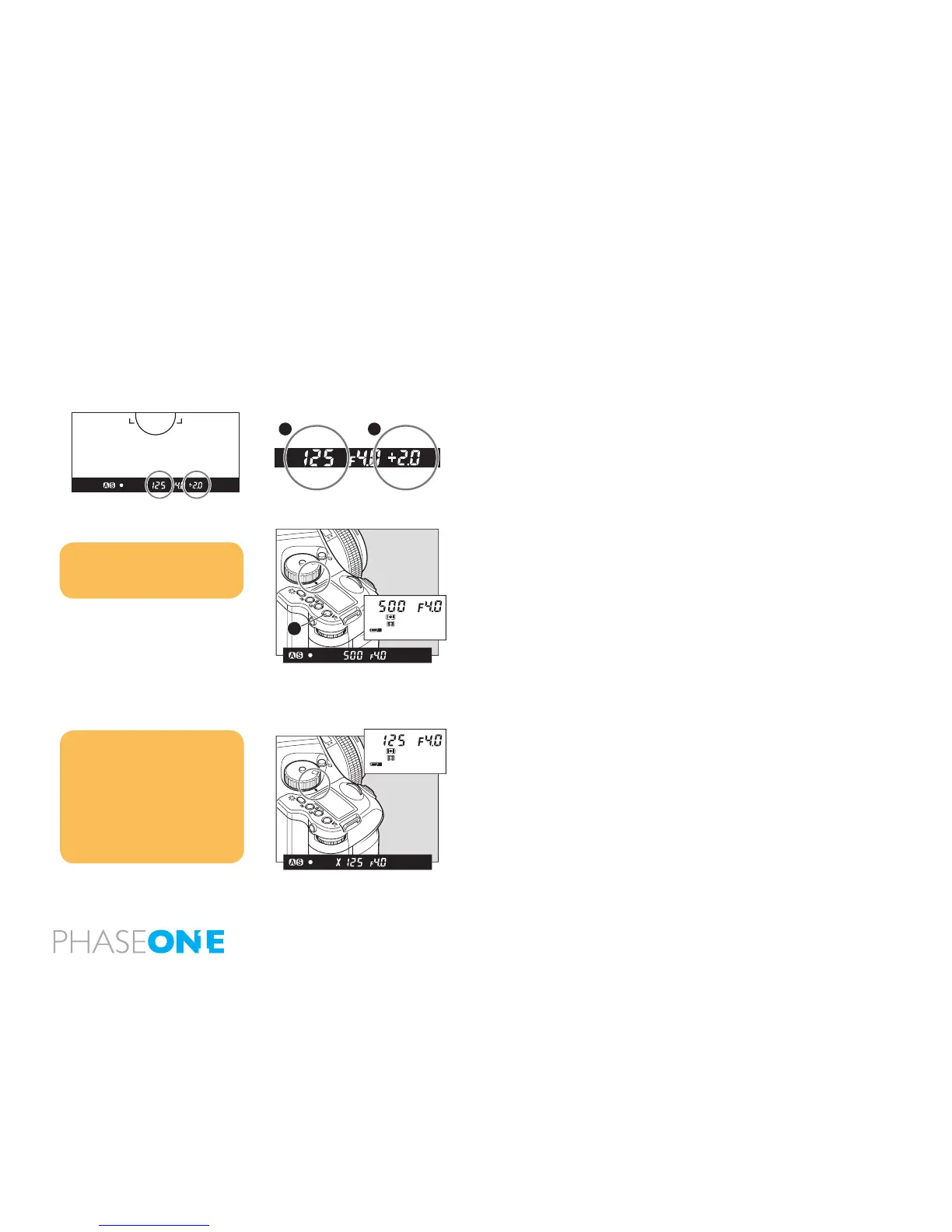
One-push shift function
When difference between the set value and metered value is displayed
on the viewnder LCD in the Manual “M” mode, press the AEL button
for approx. 1 second and the camera will automatically adjust the
shutter speed to achieve the correct exposure based on the set aperture
value.
While the difference [B] between the set value [A] and the metered
value is displayed on the viewnder LCD, press the AEL button [C] for
approximately one second. The camera changes the shutter speed to
an appropriate level.
X Mode (X)
Select this mode when you use a ash. The shutter speed will be xed
at 1/125 second for synchronization.
Notice:
The aperture level can be selected
for the parameter to shift. Custom
settings C-20.
Notice:
The selected aperture value can be
locked.
The synchronizing speed can be
changed. Custom settings C-23.
When you take a photograph with
TTL light metering with a Metz flash.



 To Next Page