95
9.2 Importing from CF card
Like using e.g. win-explorer it is easy to browse to a disk containing
RAW images on a local or network computer. You can also choose to
import directly from a memory card in a card reader.
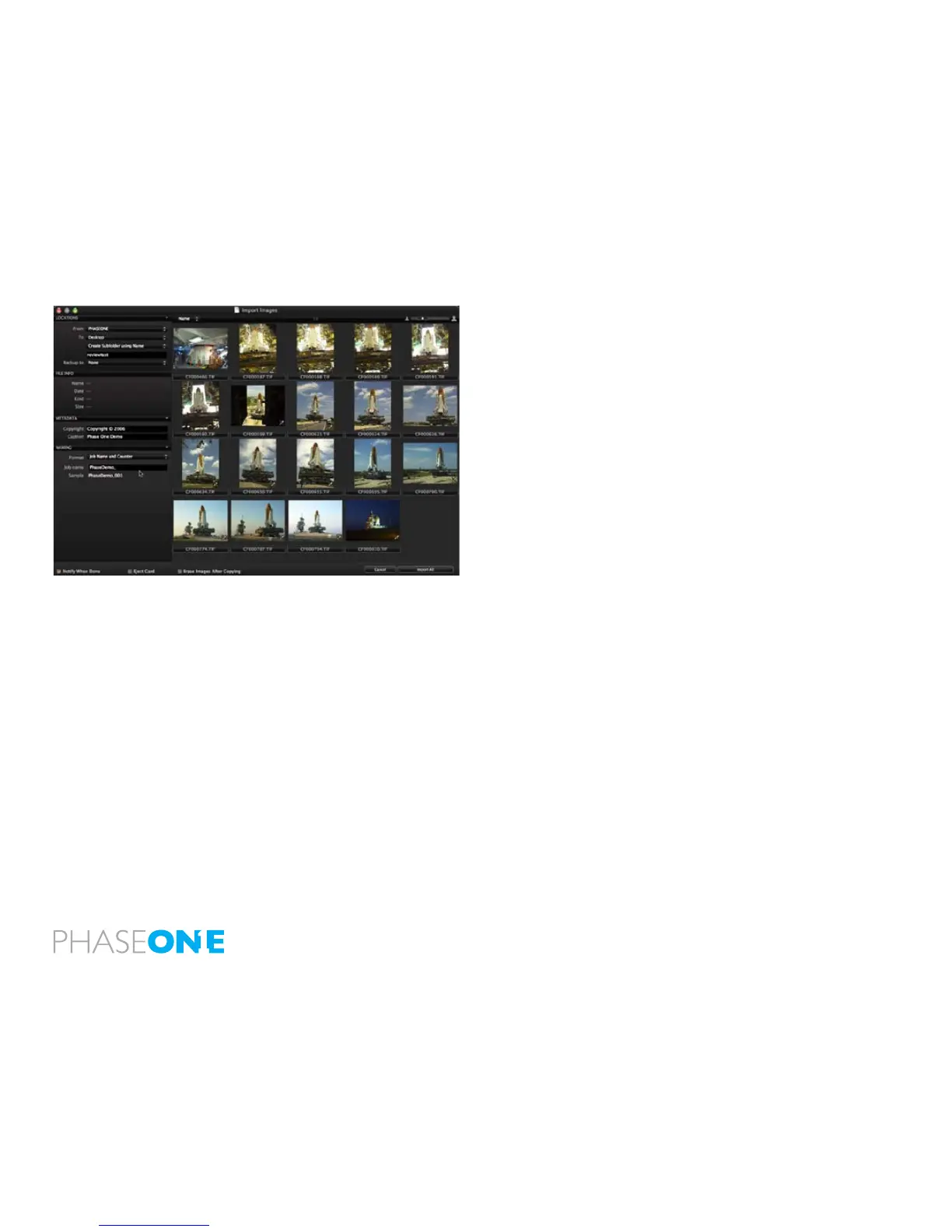
Choose File > Import images or select the import images button to begin
the import process. Immediately, a large dialogue box appears showing
a preview of les to be imported. This dialogue box also provides a
range of options form which to choose.
Inserting a memory card into a card reader will automatically bring
up the import dialogue window. The Import window offers a range of
options to make importing a quick and straightforward task.
It is important to remember that you are importing images from one
location to another. You need to create or dene a folder to which the
les will be imported to. This can be done manually or through the
Locations tab in the le importer window.
Capture One 4 can automatically create subfolders, named by date or
user dened. When importing you can also choose to rename the les,
as they are imported from the camera or cd/memorycard, the le names
can be changed by double-clicking on the lename in the browser or
when exporting the les.



 To Next Page