63
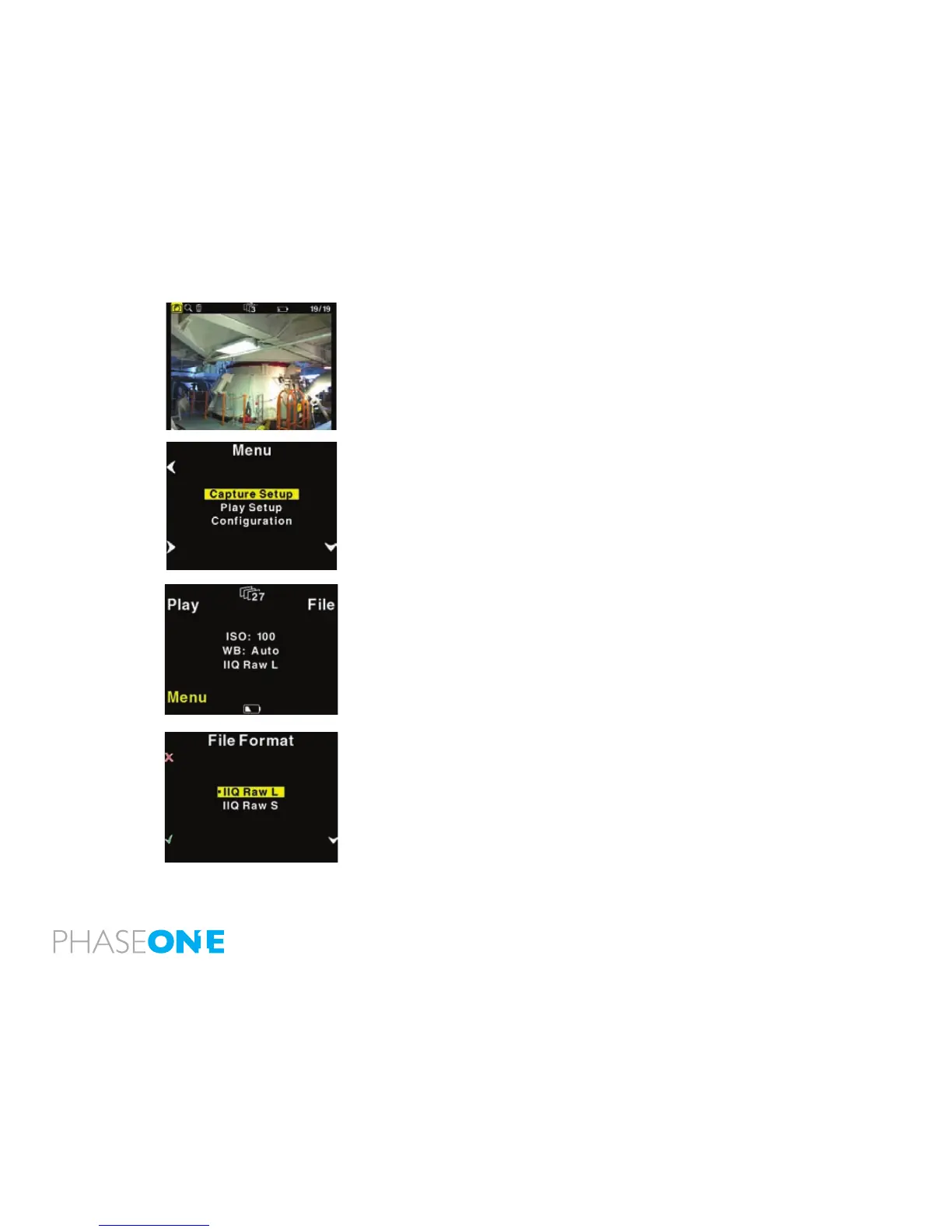
From the home position, pressing the “Play” button will bring up the
image browser, where you can go up and down with the right hand
buttons, to browse through images.
Pressing the “Menu”” button will bring you to the menu system where
you can scroll up and down in the menu system with the right hand
buttons to select the menu options to set.
When the desired option is highlighted it can be selected by pressing
the “Enter” button.
Exiting the menus is done with the “Exit” button.
Home shortcut
Holding down the “Exit” button for a few seconds will always bring you
to the home position or main screen immediately.
File format shortcut
Holding down the “Menu” button while in Home position colors the
word “Menu” in yellow, and at the same time reveals a shortcut with the
word “File” in the place where ISO was.
Pressing this button at the same time will bring up the File format Menu,
where you can select between IIQ Raw L and IIQ Raw S. For more
explanation on selecting in the menus please consult the “Menu mode”
section later in this manual.



 To Next Page