73
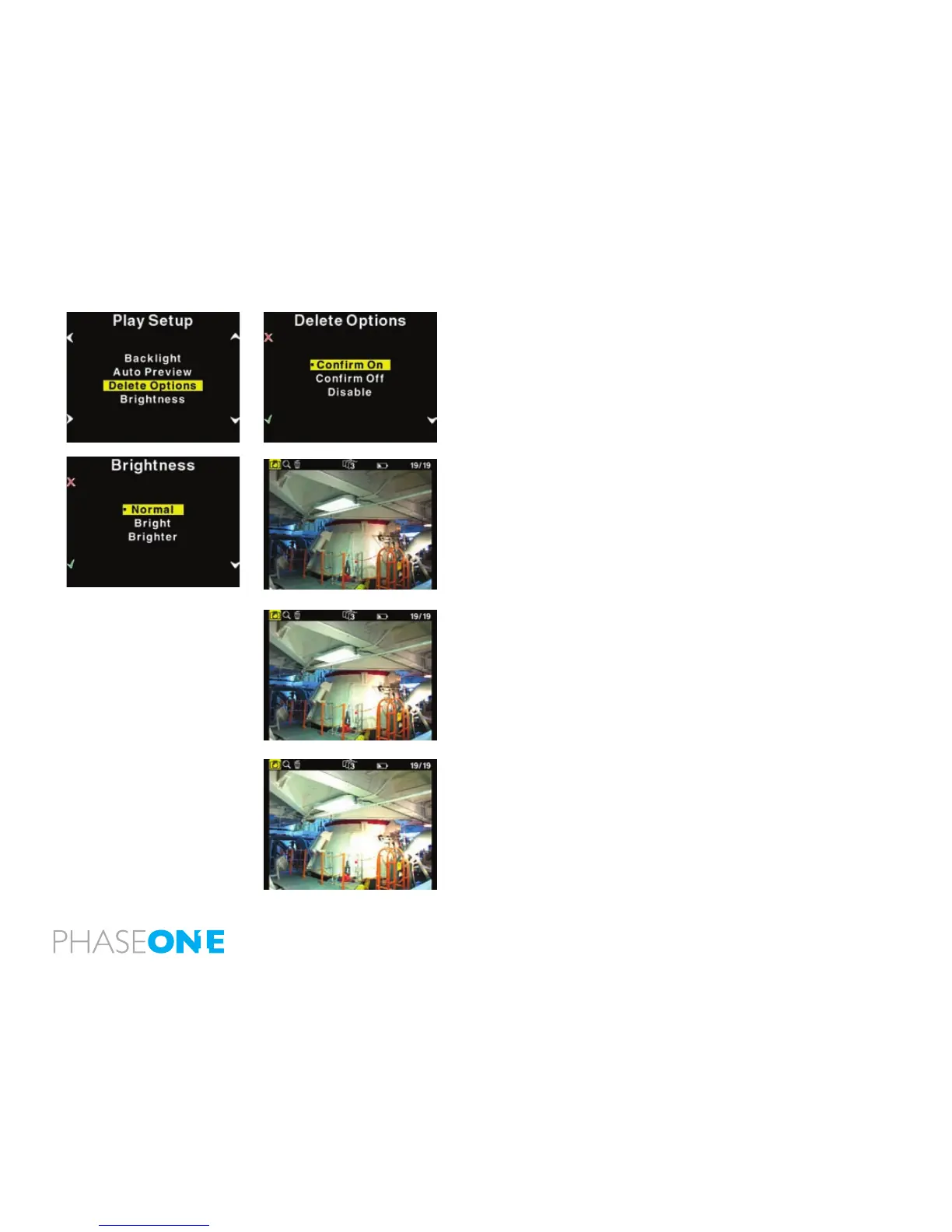
Delete options
There are three delete options: “Conrm On”, “Conrm Off” and
“Disable”.
In Delete options you can setup whether you want an extra conrmation
when you delete images (Conrm On - Default), delete images
immediately (Conrm Off), or you can disable deleting of images on the
P+ back to avoid unintended loss of images.
Brightness
In the Brighness setup, you can set the brightnes of the preview LCD
screen
Default setting is Bright.
Only the Brightness of the display is affected. Exposure warning,
histogram and nal capture is not affected by this setting.
When you are outdoor with much ambient light this is helpful but
especially with images taken with low-light, a brighter display is
helpful.



 To Next Page