4. System Installation and Disassembly
Page 20 of
• The
circuit breaker provides power to the iX Controller motherboard and
is independent of the
circuit breaker.
• The
circuit breaker provides distribution power from the 6 LEMO power
outputs and is independent of the
circuit breaker.
Once the PC has booted up, you will see the Windows 10 Desktop on both the operator and pilot monitors.
The pilot monitor is an extension of the Windows desktop displayed on the operator monitor.
4.2.3 Configuring the POS AV
1. Configure the POS AV as described in the POS AV V6 Installation and Operation Manual.
4.3 Installing the System in the Aircraft
4.3.1 Installing the Trimble AV39 Antenna
For antenna installation instructions, refer to the Trimble AV39 Antenna Datasheet.
1. Install the Trimble AV39 Antenna on the aircraft roof.
2. Lead the antenna cable to the antenna connector in the aircraft cabin.
4.3.2 Installing the Somag DSM 400 or GSM 4000 Stabilizer
• For complete installation instructions and user care for the DSM 400, refer to the SOMAG
DSM 400 Manual.
• For complete installation instructions and user care for the GSM 4000, refer to the
SOMAG GSM 4000 Manual.
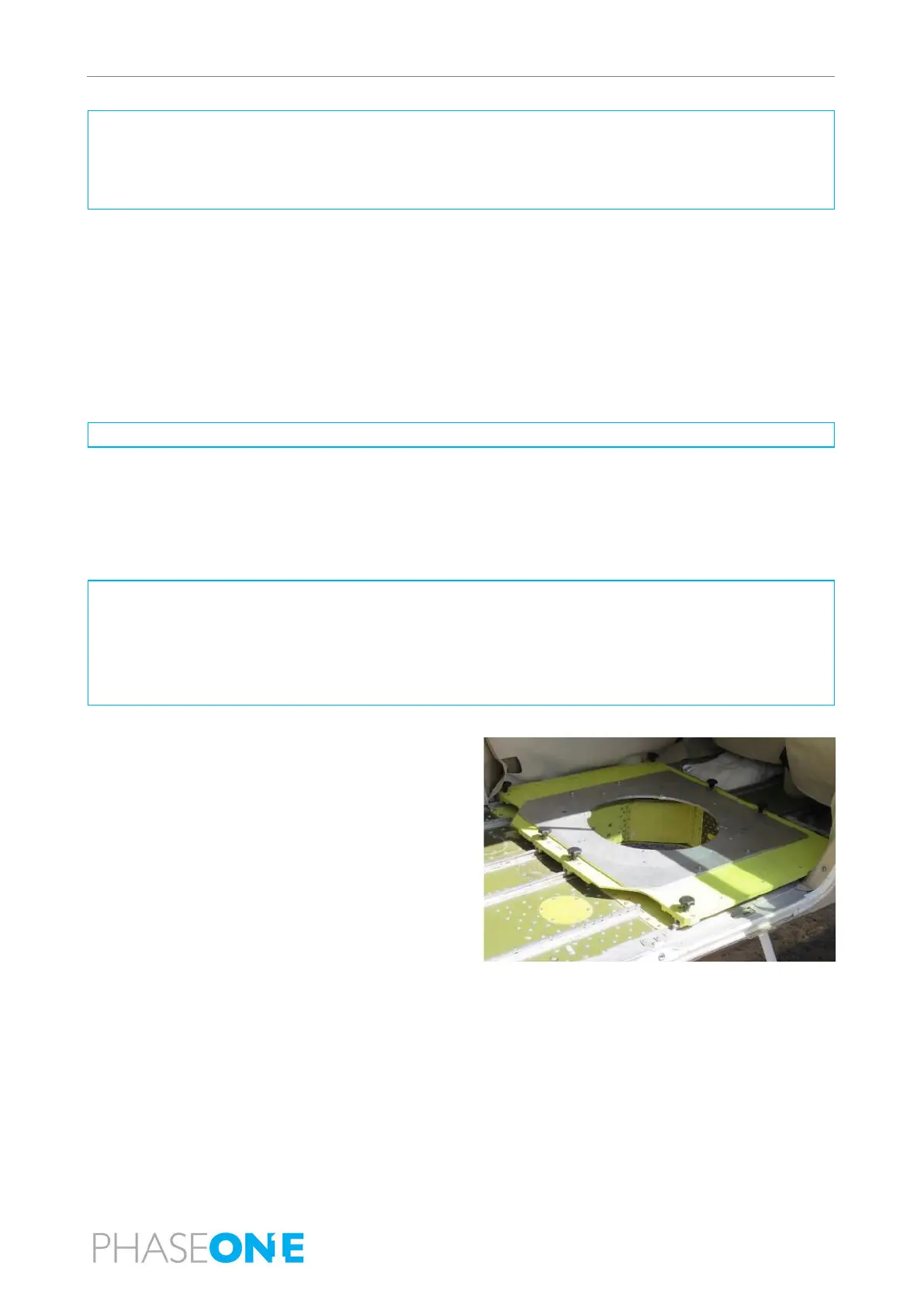
• Use of an approved interface plate is recommended.
To install the stabilizer:
1. Make sure that the installation area is free from
obstruction by objects.



 To Next Page