5. Recommended Flight Operation Procedure
Page 35 of
5.1.2.3 iX Flight
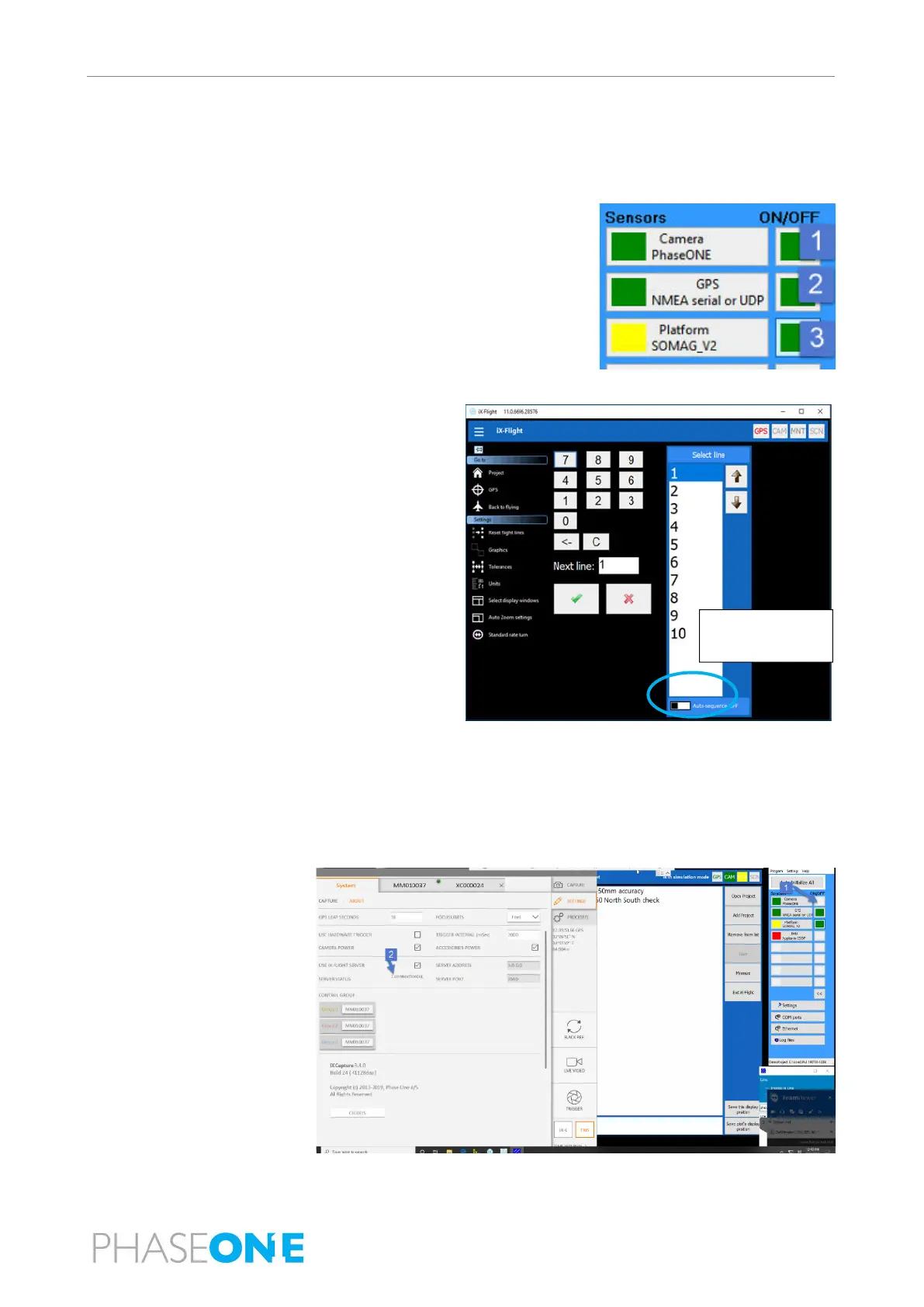
1. Open the iX Flight application.
2. Click Open Project and open the required project.
3. In the
iX Flight Sensor Handler window:
a. Click the Camera ON/OFF button and verify that it is green.
b. Click the GPS ON/OFF button and verify that it is green.
c. Click the Platform ON/OFF button and verify that it is green then
yellow.
4. Verify that Simulation Mode is set to No.
5. Click Settings, select line 1 and click
√.
6. On the operator monitor, set the following
configuration:
Auto
No map
Mission display
Show image numbers
7. Click the
System tab and
verify that
SERVER
STATUS displays 1
connection(s).
dialog



 To Next Page