Initial installation
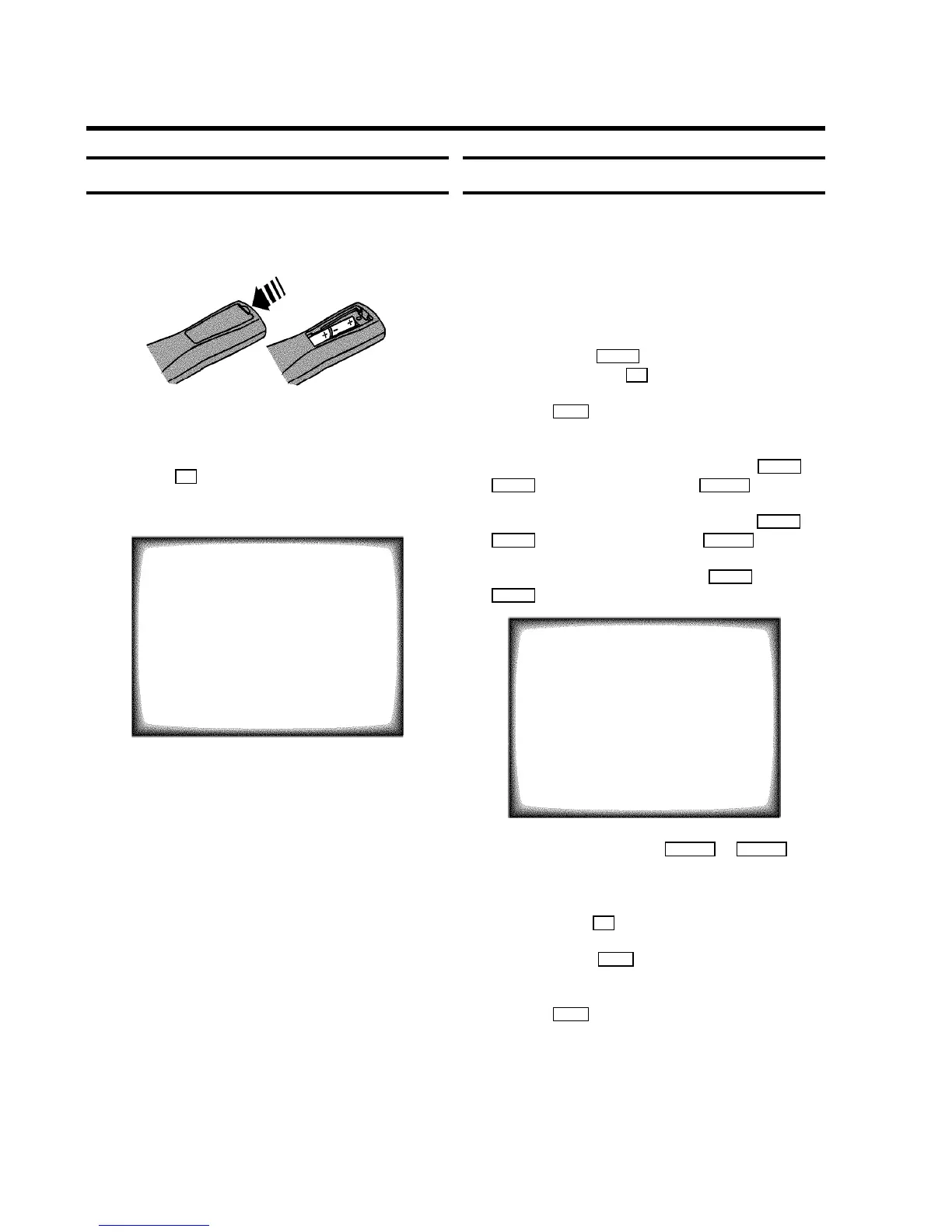
a Open up the battery compartment of your remote control
and place the batteries in it as shown in the picture.
b Close the battery compartment.
c If you have connected the aerial to the TV-VIDEO Combi,
press the OK button.
’Automatic TV channel search’ starts. This picture will
appear on the screen:
Searching...
CHANNELS FOUND:
//////,,,,,,,,,,,,,,,,,,,,,
Wait until all TV channels have been found. This can take
several minutes.
DIf you have connected a decoder, you must install it
as described in the next section.
DIf you have connected a satellite receiver, please
read the section ’satellite receiver’.
Allocating a decoder
Some TV stations will send coded TV channels, that you can
only watch when you use a decoder. You can connect such a
decoder (descrambler) to your TV-VIDEO Combi. With the
following function, the connected decoder will automatically
be activated for the TV programme you want to watch.
a Select the TV channel for which you want to use the
decoder with the P p button on the TV-VIDEO Combi
or the number buttons 0-9 on the remote control.
b Press the MENU button on the remote control. The main
menu will appear.
c Select the line ’Installation’ with the BP r or
AP q buton and confirm with the SqC button.
d Select the line ’Manual store’ with the BP r or
AP q button and confirm with the SqC button.
e Select the line ’Decoder’ with the BP r or
AP q button.
MANUAL STORE
Channel/Frequency FREQU.
Search 123
Fine tuning (,,,,=,,,,$
Name edit xxx
Programme number 01
Decoder OFF
ã Exit:
« press MENU
f Select function ’ON’ with the DSr or SqC
button. When you select ’OFF’, the function will be
switched off.
g Confirm with the OK button.
h To end, press the MENU button.
Your decoder has now been allocated to this TV channel.
i Press the MENU button again.
DIf you have programmed a recording (TIMER), a
wake-up timer or a sleep-timer, you can’t select the
function ’Manual store’.
2. INSTALLING YOUR TV-VIDEO COMBI
5











 To Next Page