Meridian 2
99
3.3.3 Software control functions via OSD / control adjustable functions:
Please refer to following Hudson9 OSD definitions, if any deviation, then refer to PVT Exit sample.
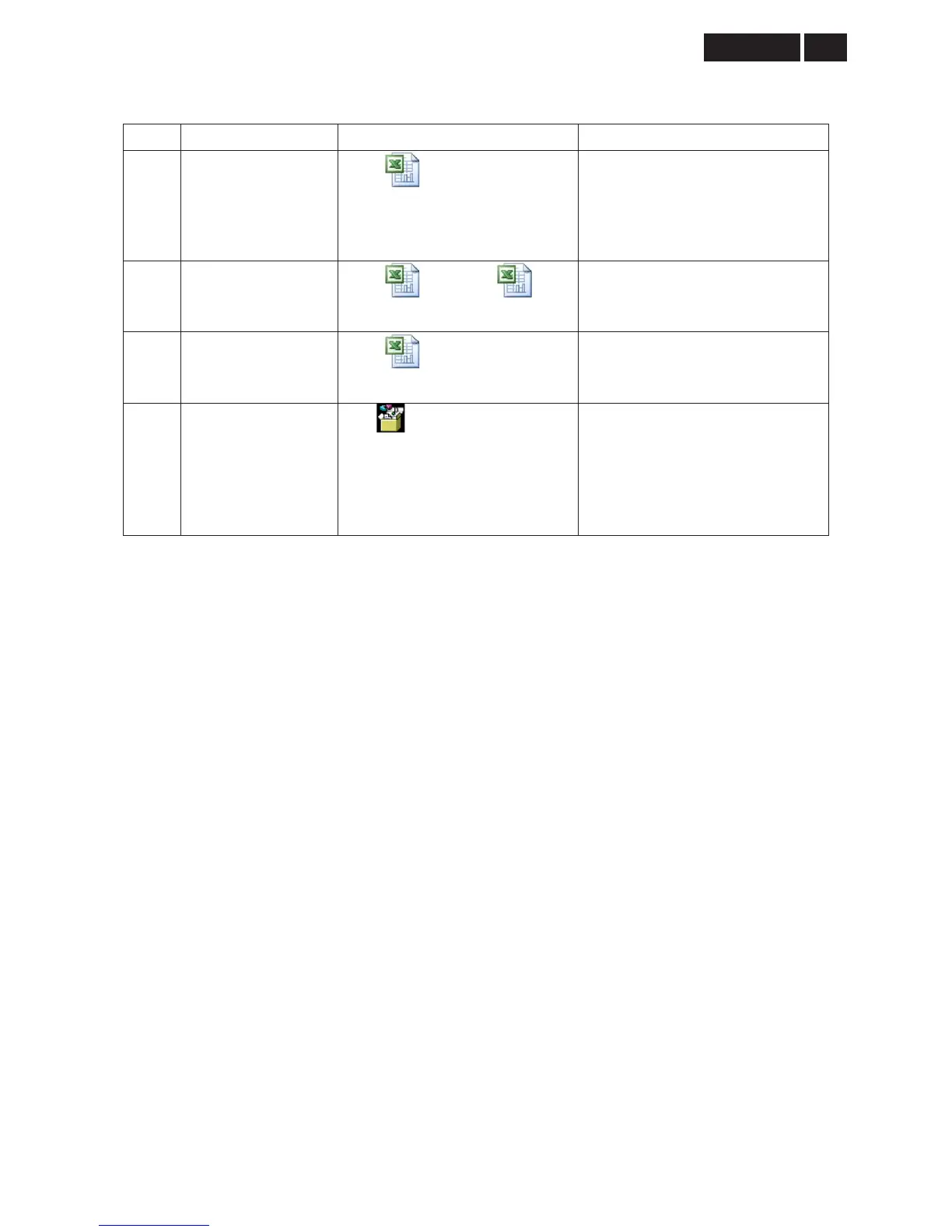
ITEM
1 OSD DEFINITIONS
ˠ˅ʳˢ˦˗ʳ˕ʳ
˷˸˹˼˼˼ʳ˲ʳ˅˃˄˃˃˄˅
Reset -
No: Exit
Yes: Auto adjustment for displaying
timing mode and recall factory
preset
2 OSD LANGUAGES
˛ˋʳˢ˦˗ʳ˴˿˴˼ʳˀʳ
˅˃˃ˊ˃ˇ˅ˈʳˀʳ˙˼˴˿ˁ˿
˛ˌʳ˸ʳ˼˸ʳ
˴˿˴˼ʳ˲ʳ˅˃˃ˋ˃ˇ˄
9 LANGUAGES
3 OSD TREE
˄ˌ˄˘˅ʳˢ˦˗ʳ
˧˥˘˘ˀ˄˃˃ˆ˃ˌˁ˿
4 POWER ON LOGO
˄ˌ˪˲˄ˆˉˉˊˉˋ˲
˸ˁ˼
Power On Logo: Power On Æ
Show up Philips logo 3 seconds Æ
Change to input signal.
This picture is reference only. The
official drawing will send out by PM.
3.3.4 Touch key control
a. Power On
- A user press the power key
- LEDs of all functional keys and Power key are all ON
- After 12 sec, LEDs of functional keys are OFF, Power key LED remain ON
- The LED OFF behavior is to smoothly off, time period is 2sec
b. Users operations
- A user press one of functions keys
- All LEDs of functional keys are ON during the user operation
- No user operations found, LEDs of functional keys are smoothly OFF after the OSD (not
including message notice) is disappeared 3sec.
c. Standby
1. First edition:
Amber all ON
2. Next edition:
- Power LED blinking (3 sec. on, 3sec. off)
- When users to press any functional key, all LEDs ON and the set back to ON state to do
operational checking
d. Power off
- A user press the power key
- All LEDs are OFF immediately
3.4 Horizontal scanning
Sync polarity : Positive or Negative
Scanning frequency : 30 -83 K Hz



 To Next Page