5
Switching On and
Off
5.1
On or Standby
Make sure the TV is connected to the mains AC
power. Connect the supplied power cord to the AC
in connector at the back of the TV.
Switch on
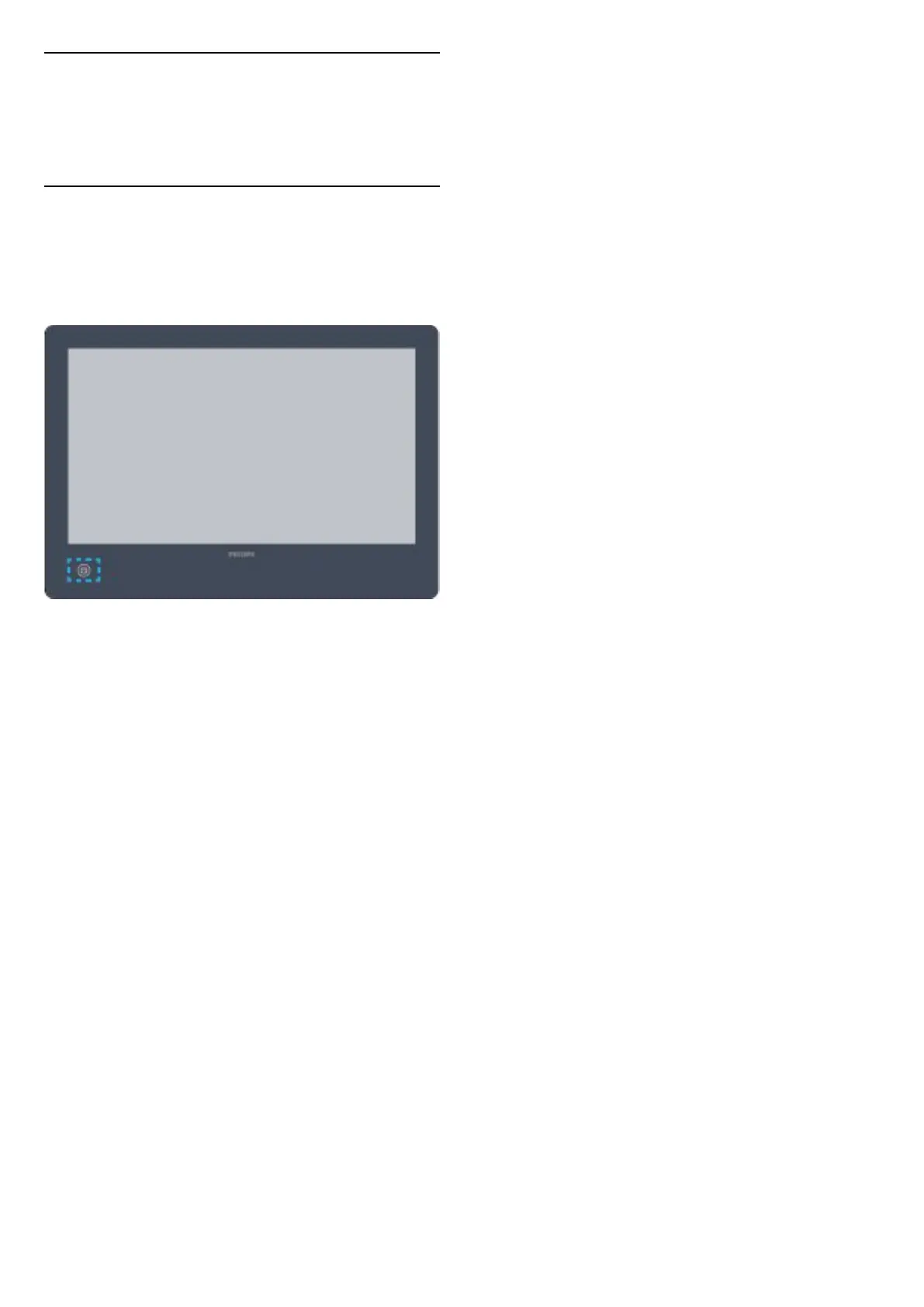
Press on the TV to switch on.
Switch to standby
Please switch the TV to standby mode while not using
TV.
To switch the TV to standby, press on the TV.
In standby mode, the TV is still connected to the
mains power but consumes very little energy.
To switch off the TV completely, disconnect the
power plug.
When disconnecting the power plug, always pull the
power plug, never the cord. Ensure that you have full
access to the power plug, power cord and outlet
socket at all times.
Please use the power adapter that came with your
TV.
Brand: FSP
Model: FSP065M-DHA (Output: 12 Vdc, 5.42 A max)
8







 To Next Page