Meridian 5
CC170C
W8 LCD
C
C
Meridian 5
CC170C
W8 LCD
C
C
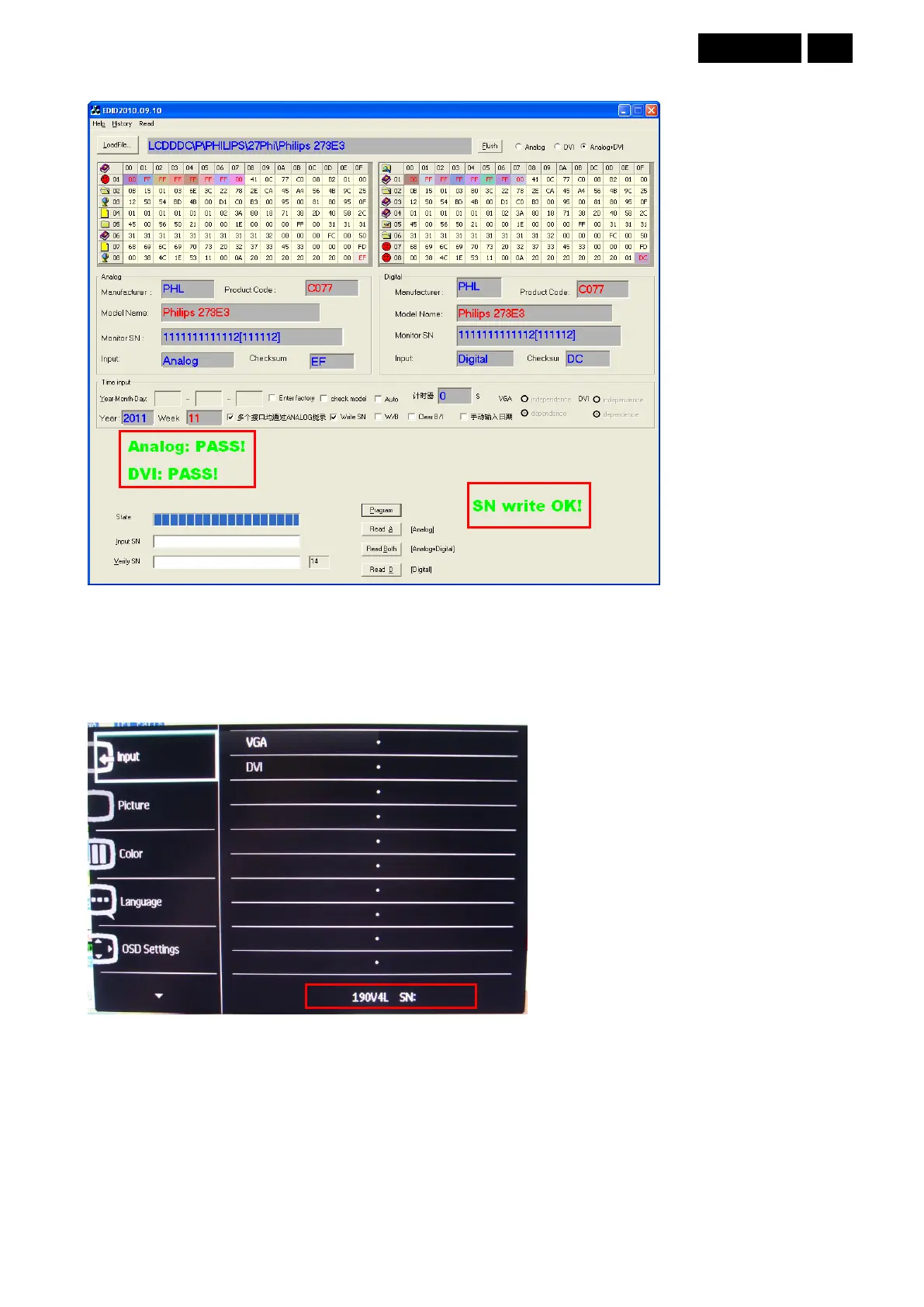
9. Click the “Program” to start programming after monitor power on. When it shows “Analog: PASS, DVI: PASS and
SN write OK”. The EDID and SN writing process are finished.
13.4 Check the SN
1. Connect the VGA or DVI source and power on monitor.
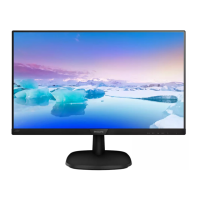
2. Press the “MENU” button to enter the user menu. We can check the 14 digital SN on the bottom right of the
menu.
eg:190V4L
3. If this SN number is the same as what we had written by EDID tool, the EDID and SN writing is completed finally



 To Next Page