9
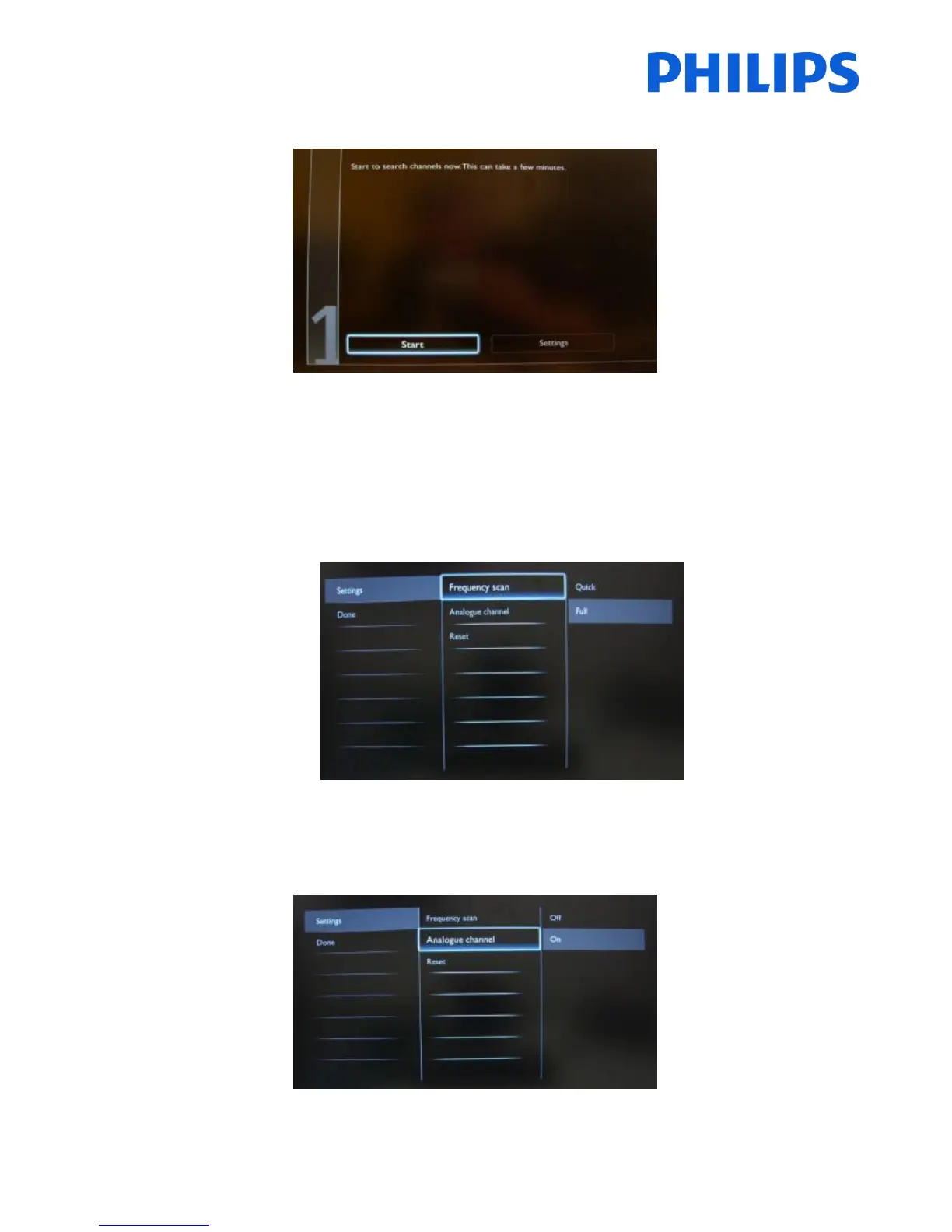
It is advisable to check the settings before starting the search.
The first option in the settings page is the “Frequency scan”.
This has 2 options:
- “Quick”: this is a fast method to search channels but it might skip some channels (depending on the
network).
- “Full”: the scan will search on all frequencies and will store all channels available. This is the safe method if
you don’t know the network parameters, but it takes the longest time.
The second option in the settings page is “Analogue Channel”.
When you select “Off” the set will not search for analogue channels. When you select “On” analogue channels will
be available.














 To Next Page