15
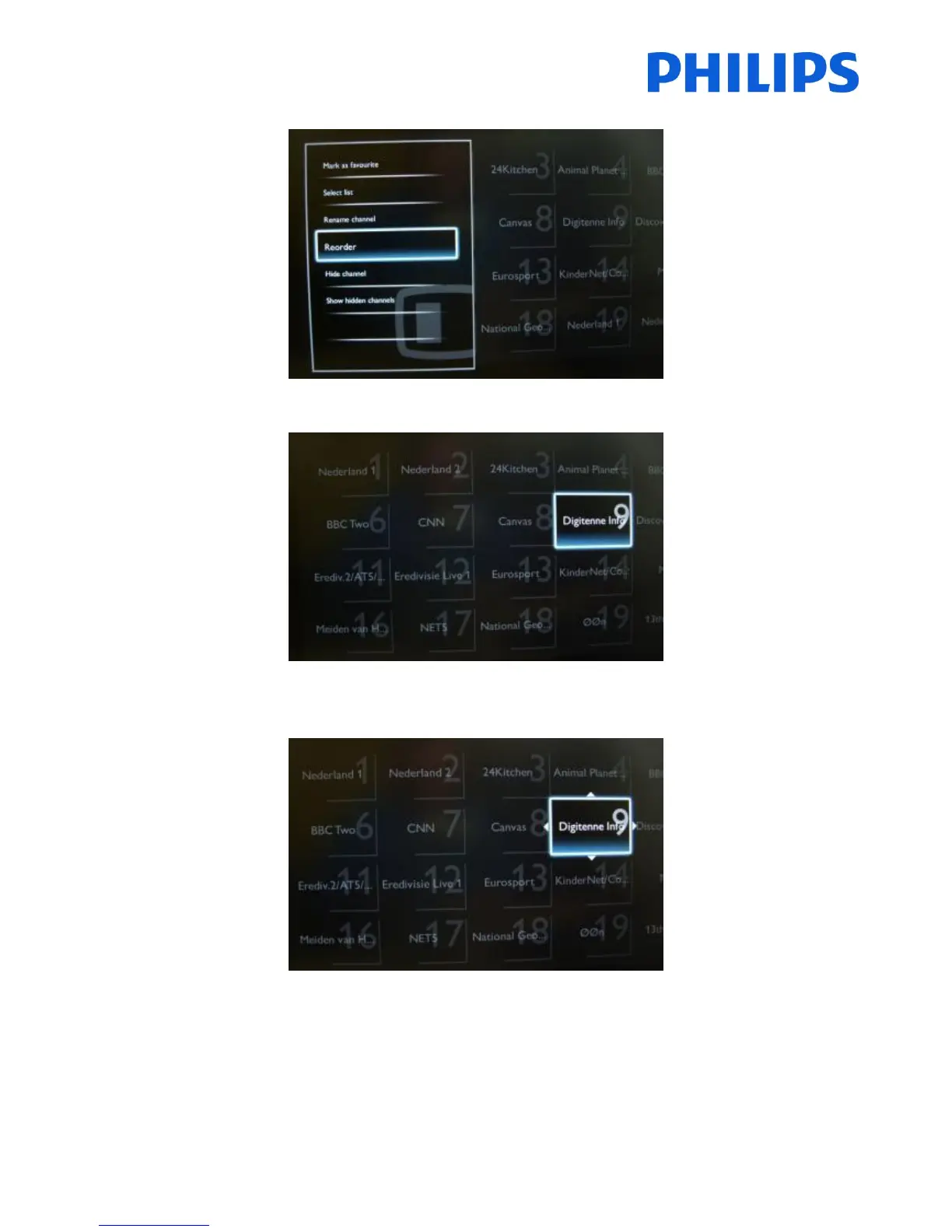
Select “Reorder” and Press “OK” button on the remote control to reorder channels.
Navigate to the channel that you want to move and Press “OK” on the remote control to select that channel.
The arrows around the channel indicate that the channel is selected and can be moved. Use arrow keys to move the
channel to the new position.
When you reached the new position press “OK” on the remote control to confirm the new position of the channels.















 To Next Page