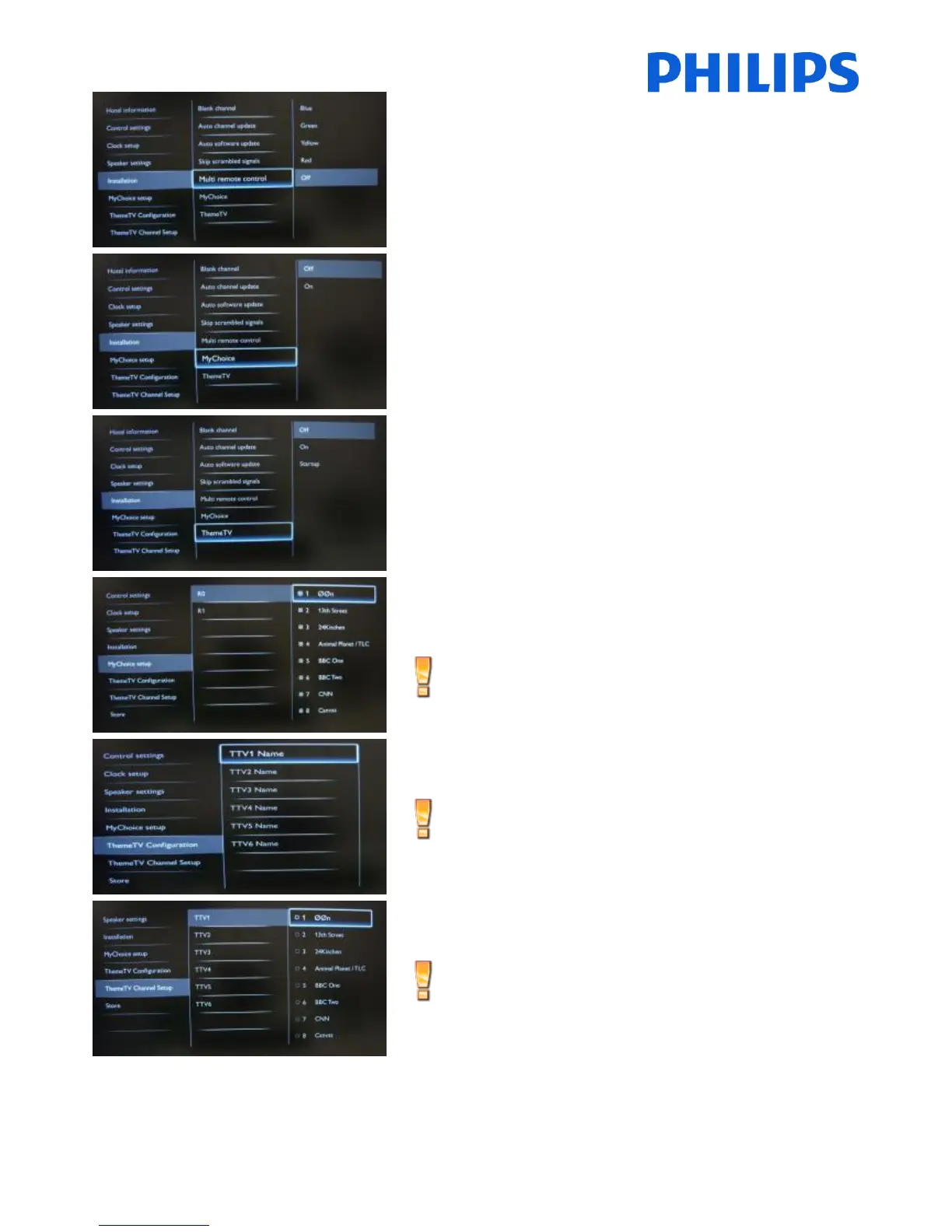
To set the color of the TV in multi remote.
Guest remote control supports up to four televisions
operating in one room without interference from each
other’s remote controls. Each TV and a Guest remote control
can be set to match.
Selectable values: Blue, Green, Yellow, Red.
[Off]: Disables MyChoice function.
[On]: Enables MyChoice function.
[OFF]: Disables ThemeTV
[ON]: Enables ThemeTV
[Startup]: Will show the ThemeTV screen at startup
MyChoice configuration:
R0 – Ring 0 (Free)
R1 – Ring 1 (Locked)
MyChoice setup is not included in this manual.
ThemeTV Configuration:
Edit the names for ThemeTV categories
ThemeTV setup is not included in this manual
To select the TV channels for every ThemeTV category.
ThemeTV setup is not included in this manual.
The channels marked with X will be part of this selected
ThemeTV ring. Select or deselect can be done by pressing
“OK” button on the remote control.















 To Next Page