12 EN
Watch connected devices
Note
• Switch on the connected device before selecting
it as a source on the monitor.
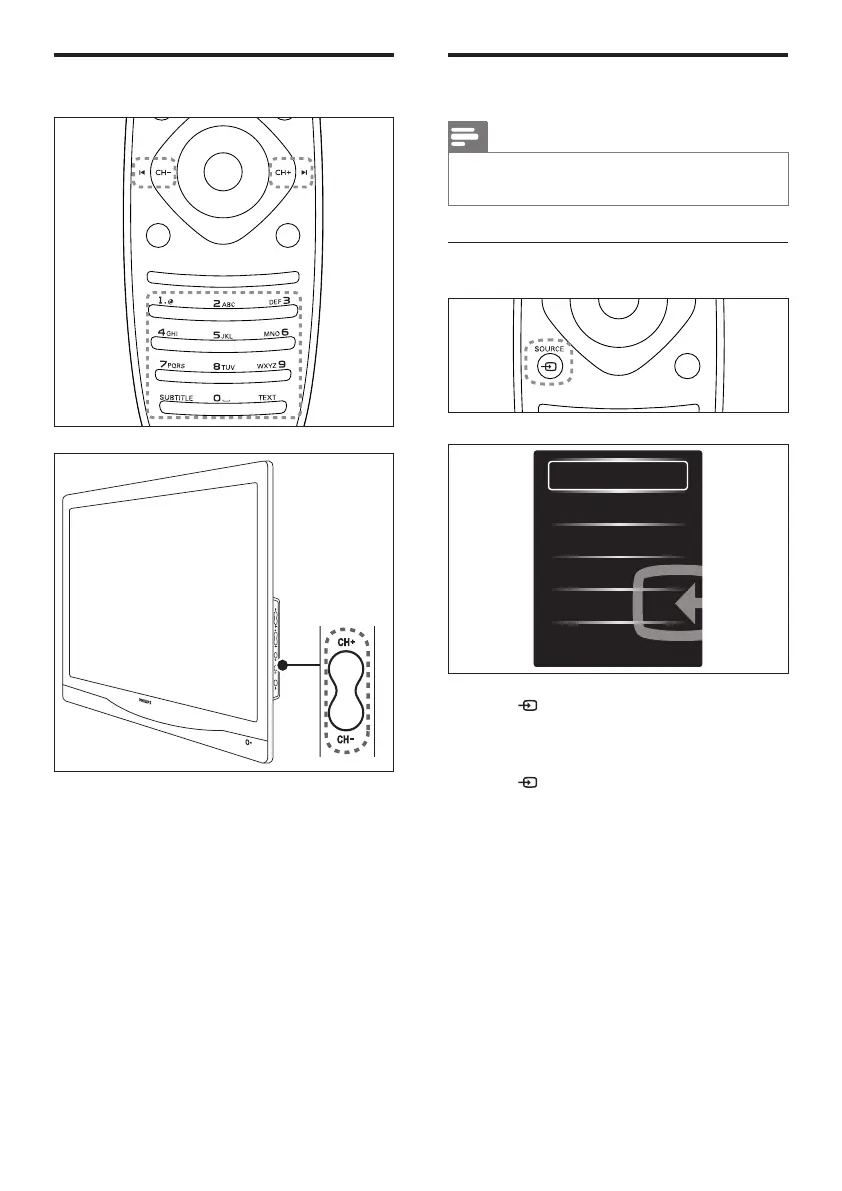
To select from the SOURCE button
1. Press SOURCE to display the source
list.
» The source list appears.
2. Press SOURCE, ▲ or ▼ to select a
device.
3. Press OK to confirm your selection.
Switch channels
• Press CH +/-, or enter a channel number
using the numeric buttons on the remote
control.
• Press the CH +/- button at the side of
the monitor.













 To Next Page