13EN
English
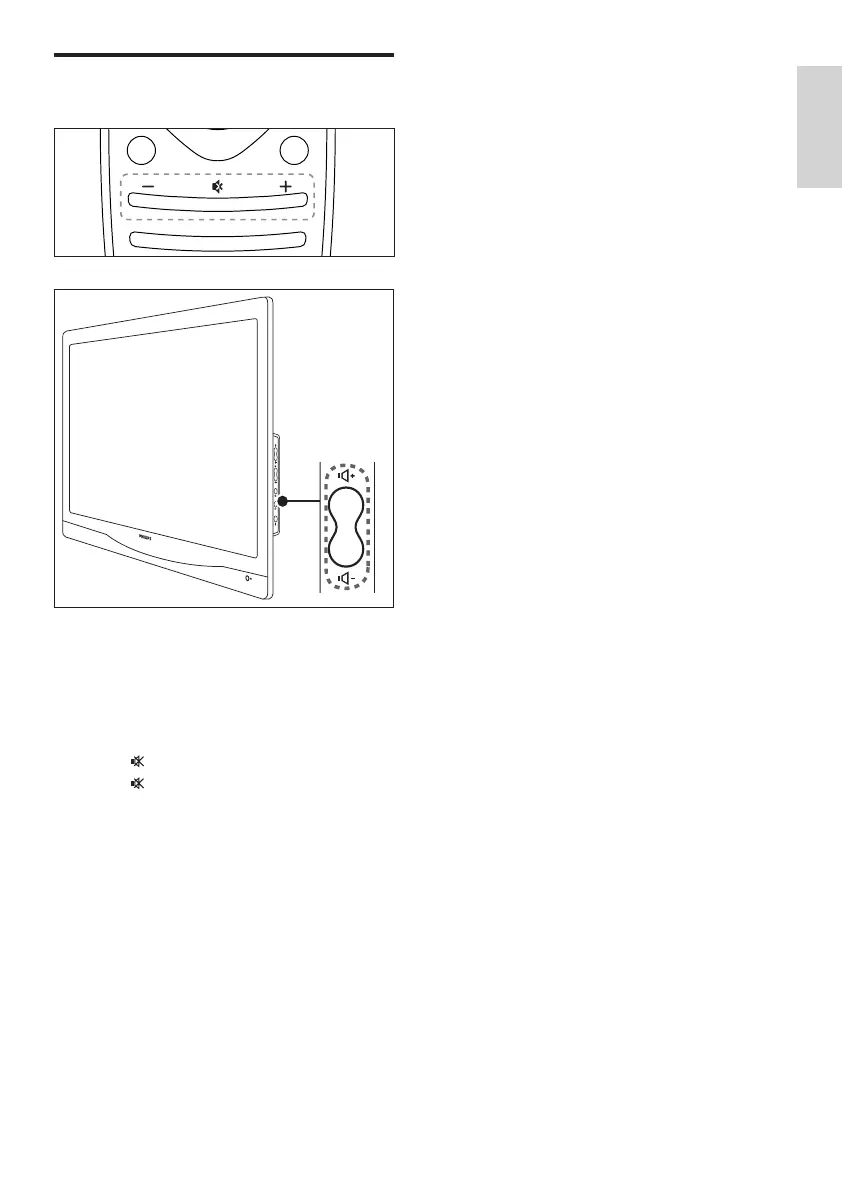
Adjust monitor volume
To turn up or down the volume
• Press VOL +/- on the remote control.
• Press VOL +/- buttons at the side of the
monitor
To mute or restore the muted sound
• Press to mute the sound.
• Press again to restore the sound.













 To Next Page