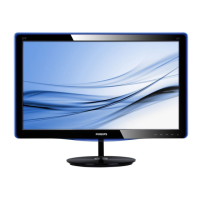
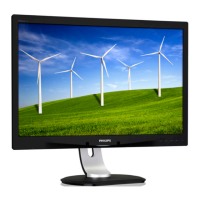
2.3 Remove Base Stand
Remove the Base Stand
Beforeyoustartdisassemblingthemonitor
base,pleasefollowtheinstructionsbelowto
avoidanypossibledamageorinjury.
1. Placethemonitorfacedownonasmooth
surface,takingcaretoavoidscratchingor
damagingthescreen.
2. Detachthebasestandawayfromthebase
columnby:
(1)Useyourfingerstoloosenthescrew
locatedatthebottomofthebase.
(2)Gentlymoveup-and-downtorelease
thelatchthatlocksthebaseandpull
thebaseawayfromthebasecolumn.
2
1


 To Next Page