EasyManua.ls Logo

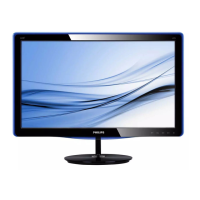
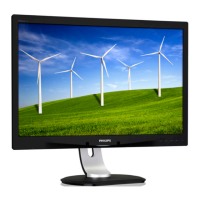
Philips 247E3L - Setting Up Your Monitor; Installation and Package Contents

Philips 247E3L
42 pages
Print Icon
To Next Page IconTo Next Page
To Previous Page IconTo Previous Page
Loading...
4
2. Setting up the monitor
2.1 Installation
Package contents
VGA
DVI (optional)
Audio cable (247E3LH)
Register your product and get support at
www.philips.com/welcome
247E3
Quick
Start
Install base stand
1. Placethemonitorfacedownonsoft
andsmoothsurfacetakingcaretoavoid
scratchingordamagingthescreen.
2. Holdthebasestandwithbothhandsand
firmlyinsertthebasestandintothebase
column.
(1)Gentlyattachthebasetothebase
columnuntilthelatchlocksthebase.
(2)Useyourfingerstotightenthescrew
locatedatthebottomofthebase,and
securethebasetothecolumntightly.
1
2

Related product manuals