PrimeSuite xxHFL4373D/10 Page 37
Use Philips EasyLink
Your TV supports Philips EasyLink, which
enables one-touch play and one-touch
standby between EasyLink-compliant devices.
••Compliant devices must be connected to your TV
via HDMI.
Enable or disable EasyLink
••Do not enable Philips EasyLink if you do not
intend to use it.
1. Press
2. Press Navigation buttons to select
[Setup] > [TV settings] > [EasyLink].
3. Select [On] or [Off].
Use one-touch play
1 After enabling EasyLink, press play on
your device.
»»The TV automatically switches to the
correct source.
Use one-touch standby
1. Press and hold Standby on the TV’s
or device’s remote control for at least
three seconds.
»»The TV and all connected HDMI
devices switch to standby.
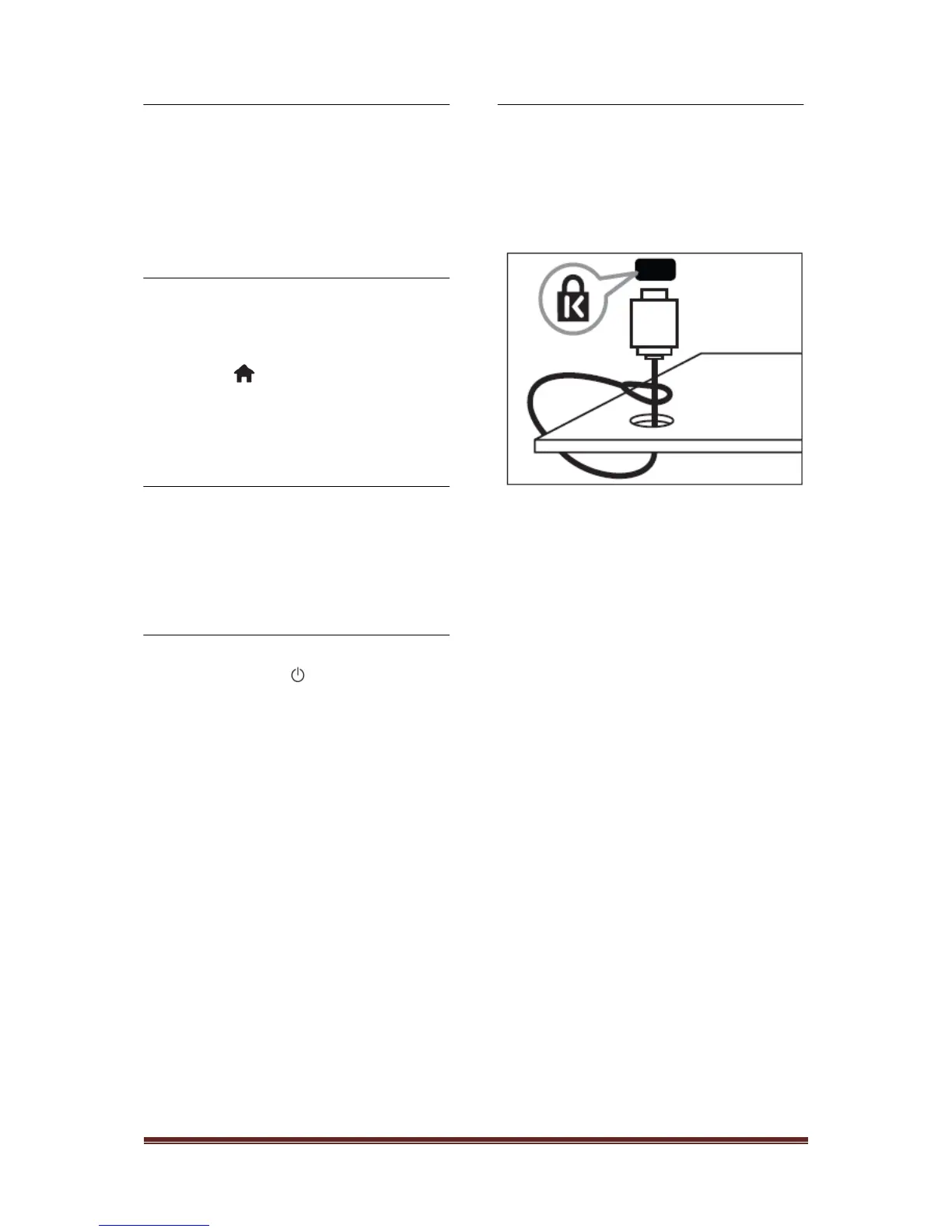
Use a Kensington lock
There is a Kensington security slot at the back
of the TV. Prevent theft by looping a
Kensington lock between the slot and a
permanent object, such as a heavy table.












 To Next Page